NeoCrew AI vs Montra
Uma comparação detalhada para ajudar você a escolher a ferramenta de IA certa para seu workflow.
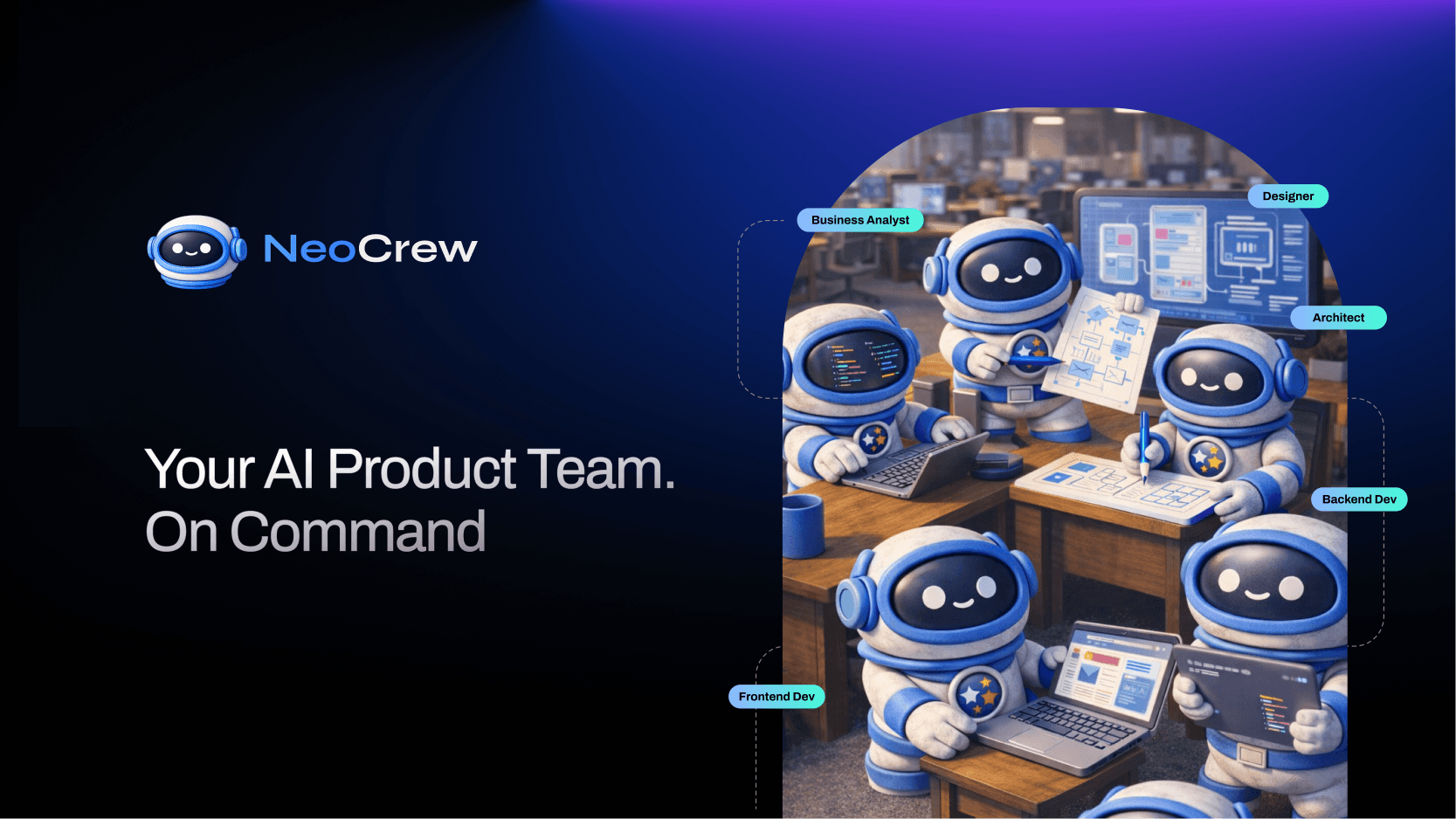
NeoCrew AI
NeoCrew AI turns a product idea into a live, tested app. You describe your product in a paragraph, and specialised AI agents take it through four stages: Discover, Design, Blueprint and Build. You approve each stage before the next one starts. The result is an app for iOS and Android, plus an admin panel and an API, and the platform keeps the product running after launch. It is built for founders who have an idea but no development team, and for agencies that want to ship white label software faster with their own developers. Enterprises can use it for a documented build process with staged approvals. Tests are generated from the approved architecture and kept away from the coding agent, so a passing result is checked independently of the code's author. Security decisions stay with a human. NEO, the agent that runs each build, makes a choice for open technical questions and explains its reasoning.
Ver NeoCrew AI →
Montra
Montra is a Mac app that turns what you show and say into tasks with annotated screenshots. You record your screen or take screenshots, talk through the changes you want, and draw on the screen to point out details. The result is a document with clear tasks, screenshots, and a transcript, which you can review and edit before sharing. It is built for people who give feedback to coding agents such as Claude Code, Codex, or Cursor and need to share that feedback with a team. You can connect Montra's MCP server and paste a document link so your agent can read the tasks and screenshots. Tasks can also be sent to Linear or Jira, or exported to Notion. Montra gathers visual context as you explain. In screenshot mode it captures images automatically while you talk, so you do not need to organize screenshots or write tickets by hand. A free plan includes 30 minutes of recording per month.
Ver Montra →Comparação de recursos
NeoCrew AI
Nenhum recurso listado ainda.
Montra
- •Screen recording or screenshot capture with voice narration
- •Annotate the screen during capture
- •Generates tasks, screenshots, and a transcript in one document
- •MCP server connection for Claude Code, Codex, and Cursor
- •Export tasks to Linear, Jira, or Notion
- •Shareable document links and shared workspaces on Teams and Pro
Visão geral
| NeoCrew AI | Montra | |
|---|---|---|
| Categoria | Code & Development | Code & Development |
| Preços | Paid | Freemium |
| Avaliação da Comunidade | Sem avaliações | Sem avaliações |
| Votos na Stremit | 0 | 58 |
| Site | neocrew.ai ↗ | app.montra.com ↗ |
NeoCrew AI vs Montra: qual é melhor?
A escolha entre NeoCrew AI e Montra depende das suas necessidades. As duas ferramentas pertencem à categoria Code & Development e são concorrentes diretas. Compare preços, recursos e avaliações acima para fazer a melhor escolha para seu workflow.
Visite as páginas de cada ferramenta para mais informações, avaliações da comunidade e detalhes dos recursos.
Perguntas frequentes
What is the difference between NeoCrew AI and Montra?
NeoCrew AI: NeoCrew AI turns a product idea into a live, tested app. You describe your product in a paragraph, and specialised AI agents take it through four stages: Discover, Design, Blueprint and Build. You approve each stage… Montra: Montra is a Mac app that turns what you show and say into tasks with annotated screenshots. You record your screen or take screenshots, talk through the changes you want, and draw on the screen to point out details. The…
Is NeoCrew AI free?
NeoCrew AI is listed as Paid on Stremit. Check the tool's site for current plans.
Is Montra free?
Montra is listed as Freemium on Stremit. Check the tool's site for current plans.
Are NeoCrew AI and Montra competitors?
Yes — both are Code & Development tools on Stremit, so people often compare them before choosing.