Pluggzy vs Raccoon AI: Collaborative AI for Anything
Uma comparação detalhada para ajudar você a escolher a ferramenta de IA certa para seu workflow.
Pluggzy
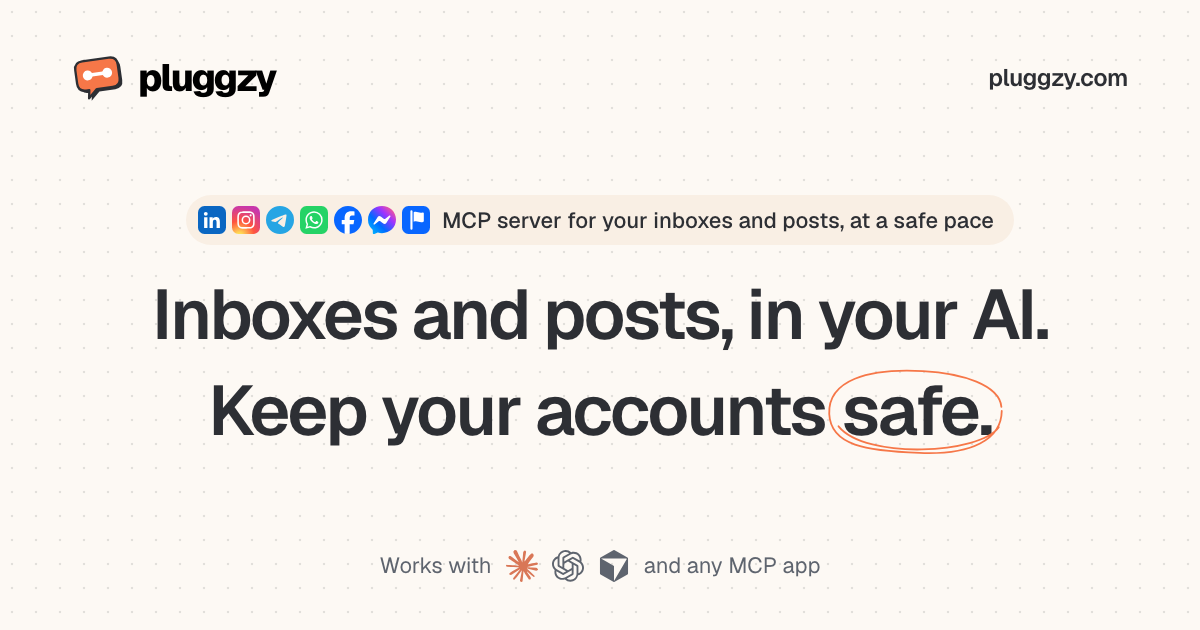
Pluggzy is a hosted MCP server that connects WhatsApp, LinkedIn, Telegram, Instagram and other channels to ChatGPT, Claude, Cursor and other AI apps. There is nothing to install. Users give a plain request, such as "reply to Sarah" or "post this tomorrow at 9," and the action is carried out on the connected channel. It is built for people who handle messages, comments, posts and ads across several social and messaging accounts and want to do it from an AI assistant. The site also lists posting to other networks, ad campaigns on 9 ad networks, and an inbox that reads DMs from several channels together. The main difference is that it works with the AI tools people already use instead of a separate dashboard. It can also show which messages need a reply first. A 3-day free trial is offered.
Ver Pluggzy →
Raccoon AI: Collaborative AI for Anything
Raccoon AI is a collaborative AI agent that builds apps, documents, presentations, dashboards, and designs from a plain-language description. It runs on its own cloud computer, lays the work out as a live checklist, and shows each reasoning step, search, and action as it happens. Users can steer the agent mid-task, rewind to earlier steps, or fork a new path. It is aimed at people who want finished work from a single description, such as a launch page, a dashboard built from a spreadsheet, or a research brief with sources. Users can connect Gmail, Drive, Calendar, GitHub, and 50+ connectors, so the agent works inside their own accounts. What sets it apart is persistence and control. Files, data, and running servers stay in place between sessions, and the agent remembers users from one session to the next. Finished work can be published to a live link or deployed to your own domain in one click.
Ver Raccoon AI: Collaborative AI for Anything →Comparação de recursos
Pluggzy
Nenhum recurso listado ainda.
Raccoon AI: Collaborative AI for Anything
- •Build apps, slides, dashboards, and designs from plain-language descriptions
- •Live checklist plan you can view and steer during a task
- •Connects Gmail, Drive, Calendar, GitHub, and 50+ connectors
- •Research with citations and helper agents for parallel work
- •Rewind to any step or fork a new path
- •Publish to a live link or your own domain in one click
Visão geral
| Pluggzy | Raccoon AI: Collaborative AI for Anything | |
|---|---|---|
| Categoria | Productivity | Productivity |
| Preços | Subscription | — |
| Avaliação da Comunidade | Sem avaliações | Sem avaliações |
| Votos na Stremit | 0 | 70 |
| Site | pluggzy.com ↗ | raccoonai.tech ↗ |
Pluggzy vs Raccoon AI: Collaborative AI for Anything: qual é melhor?
A escolha entre Pluggzy e Raccoon AI: Collaborative AI for Anything depende das suas necessidades. As duas ferramentas pertencem à categoria Productivity e são concorrentes diretas. Compare preços, recursos e avaliações acima para fazer a melhor escolha para seu workflow.
Visite as páginas de cada ferramenta para mais informações, avaliações da comunidade e detalhes dos recursos.
Perguntas frequentes
What is the difference between Pluggzy and Raccoon AI: Collaborative AI for Anything?
Pluggzy: Pluggzy is a hosted MCP server that connects WhatsApp, LinkedIn, Telegram, Instagram and other channels to ChatGPT, Claude, Cursor and other AI apps. There is nothing to install. Users give a plain request, such as… Raccoon AI: Collaborative AI for Anything: Raccoon AI is a collaborative AI agent that builds apps, documents, presentations, dashboards, and designs from a plain-language description. It runs on its own cloud computer, lays the work out as a live checklist, and…
Is Pluggzy free?
Pluggzy is listed as Subscription on Stremit. Check the tool's site for current plans.
Are Pluggzy and Raccoon AI: Collaborative AI for Anything competitors?
Yes — both are Productivity tools on Stremit, so people often compare them before choosing.