ResLeap vs ZenCreator — Professional AI Photo & Video
Uma comparação detalhada para ajudar você a escolher a ferramenta de IA certa para seu workflow.
ResLeap
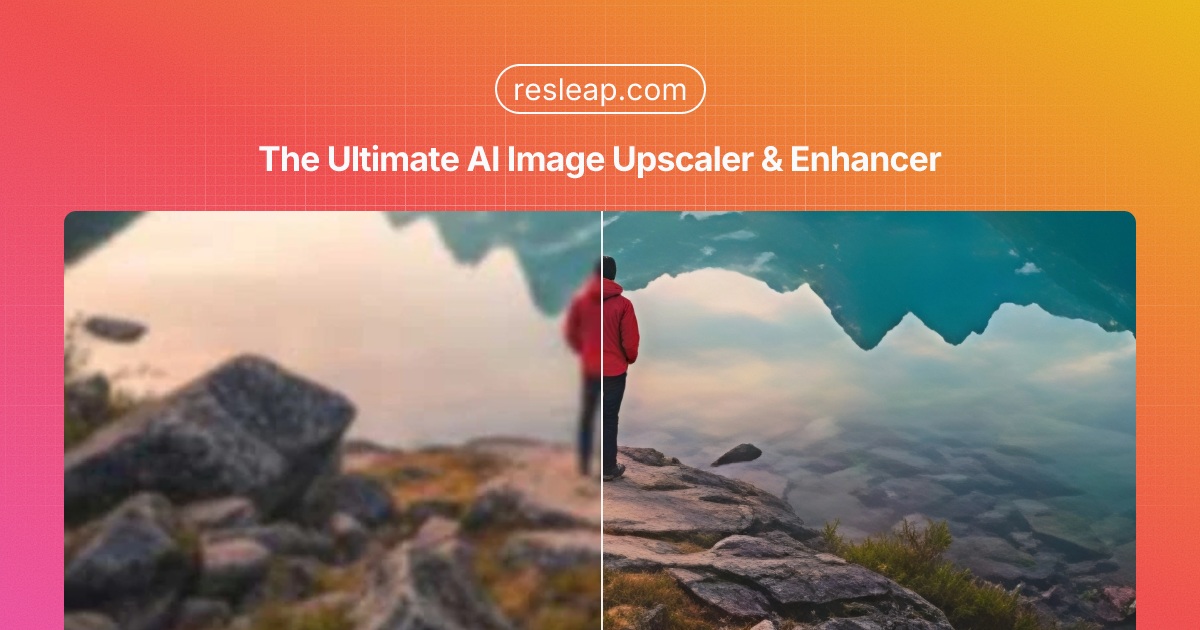
ResLeap is an online AI image enhancer and upscaler. It enhances, unblurs, and upscales low-resolution photos, portraits, anime, and product images. The site lists upscaling up to 8x and output up to 10K, with a maximum of 10240px. Dedicated tools cover photo restoration, portrait enhancement, deity and devotional art, food and product texture, and anime line art. The tool is aimed at people who need sharper images for large prints, e-commerce, social media, or the web. The site cites a 34 inch print size at 300 DPI and mentions posters, frames, and wall art. According to the site, credits are deducted only when an enhancement succeeds. Users can also invite friends and earn 20% of their credits, and there is a Discord community for other users.
Ver ResLeap →
ZenCreator — Professional AI Photo & Video
ZenCreator is an AI image and video generator that also includes a photo editor, face swap, and lip sync tools. It creates images from prompts, turns images and text into videos, animates a single photo with an audio file, and produces virtual try-on visuals. Generated content can be published directly to social media. The tool is aimed at creators, influencers, and marketers who build AI characters and avatars for posts and ads. The site also offers a public REST API for developers and an MCP connection for AI agents such as Claude, ChatGPT, and Cursor. The site says it applies no content filters and that credits never expire. It also lists NSFW and uncensored image and video generators among its tools. According to the API description, credits are charged when a generation is accepted and refunded automatically if it fails.
Ver ZenCreator — Professional AI Photo & Video →Comparação de recursos
ResLeap
- •8x image upscale with stated clarity and detail
- •10K ultra resolution output (10240px max)
- •Detail Revealer for hidden details and texture
- •Portrait enhancement for facial features
- •Photo restoration for faded or old photos
- •Anime upscaling for line art and colors
ZenCreator — Professional AI Photo & Video
- •AI image generation from text prompts
- •AI video generation from images and text
- •Face swap and AI photo editing
- •Lip sync talking videos from a single photo and audio
- •AI influencer and avatar generator
- •Public REST API and MCP integration for AI agents
Visão geral
| ResLeap | ZenCreator — Professional AI Photo & Video | |
|---|---|---|
| Categoria | Image Generation | Image Generation |
| Preços | Freemium | — |
| Avaliação da Comunidade | Sem avaliações | Sem avaliações |
| Votos na Stremit | 0 | 65 |
| Site | resleap.com ↗ | zencreator.pro ↗ |
ResLeap vs ZenCreator — Professional AI Photo & Video: qual é melhor?
A escolha entre ResLeap e ZenCreator — Professional AI Photo & Video depende das suas necessidades. As duas ferramentas pertencem à categoria Image Generation e são concorrentes diretas. Compare preços, recursos e avaliações acima para fazer a melhor escolha para seu workflow.
Visite as páginas de cada ferramenta para mais informações, avaliações da comunidade e detalhes dos recursos.
Perguntas frequentes
What is the difference between ResLeap and ZenCreator — Professional AI Photo & Video?
ResLeap: ResLeap is an online AI image enhancer and upscaler. It enhances, unblurs, and upscales low-resolution photos, portraits, anime, and product images. The site lists upscaling up to 8x and output up to 10K, with a maximum… ZenCreator — Professional AI Photo & Video: ZenCreator is an AI image and video generator that also includes a photo editor, face swap, and lip sync tools. It creates images from prompts, turns images and text into videos, animates a single photo with an audio…
Is ResLeap free?
ResLeap is listed as Freemium on Stremit. Check the tool's site for current plans.
Are ResLeap and ZenCreator — Professional AI Photo & Video competitors?
Yes — both are Image Generation tools on Stremit, so people often compare them before choosing.