Motion, the Frontier Agent for Motion Design vs CogVideo
详细对比,帮你为工作流选择合适的 AI 工具。
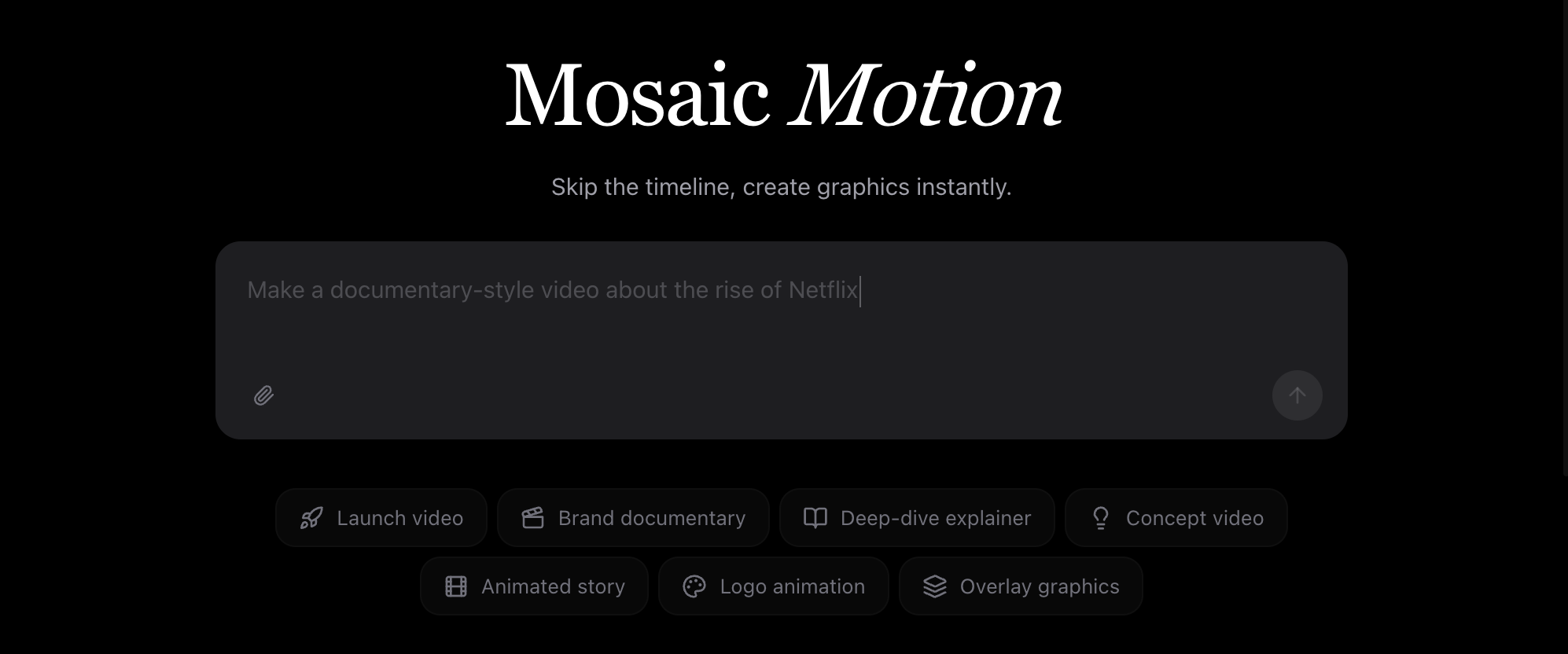
Motion, the Frontier Agent for Motion Design
Motion is a general video agent that allows users to create and edit professional videos using an idea, a written brief, or existing footage. It guides the process from initial concept to a finished video by planning the story, generating necessary shots, and incorporating sound design and music. The platform supports detailed refinement, allowing users to iterate by requesting changes in chat, annotating the preview, or adjusting layers directly in the timeline. It ensures the workflow feels collaborative, providing a smooth transition from initial cut to final polish. It integrates into professional workflows, offering plugins for sources like Google Drive and Notion, running automations on schedules, and exporting the final video directly to industry-standard editors such as Premiere Pro and After Effects.
查看 Motion, the Frontier Agent for Motion Design →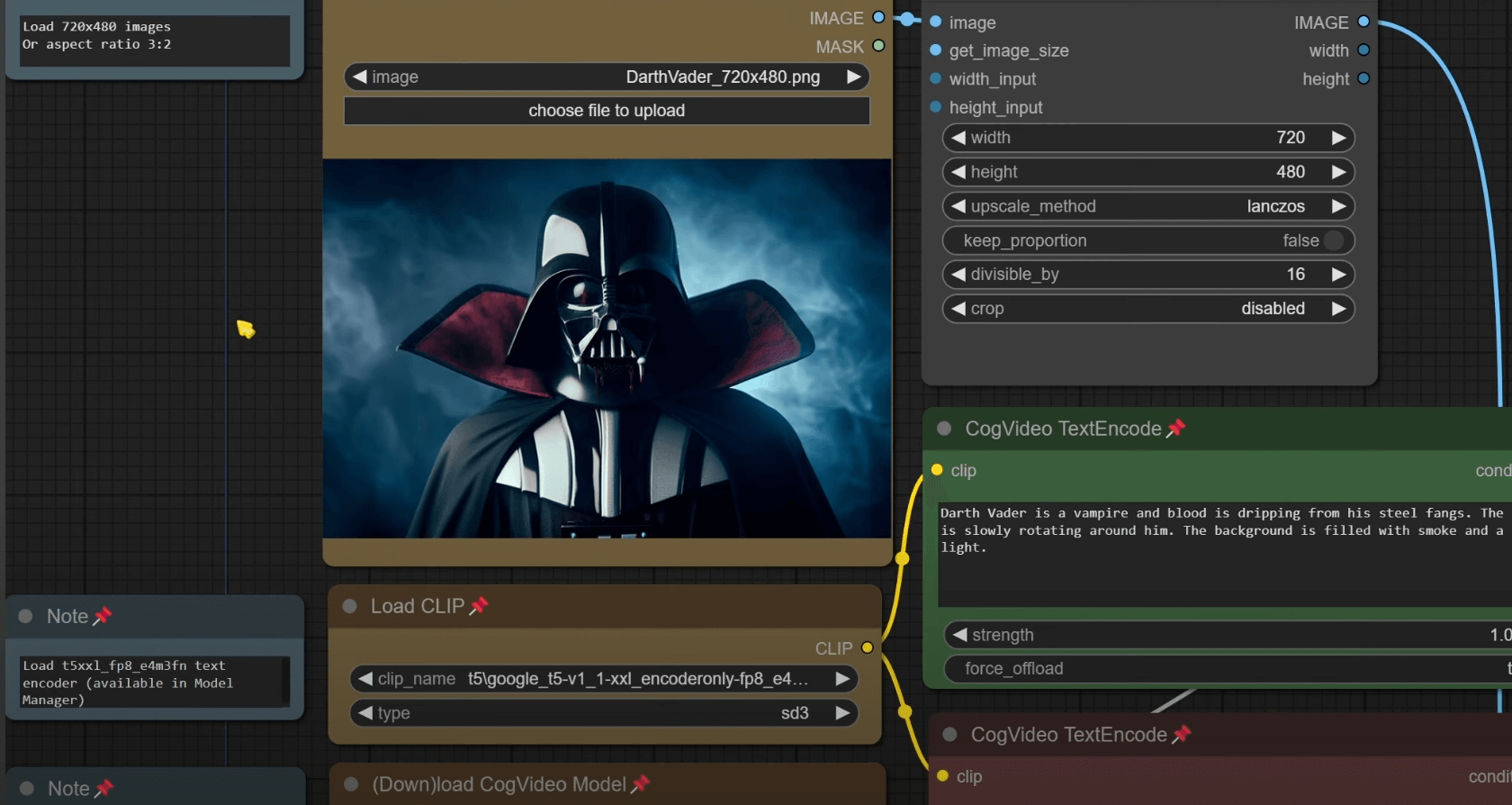
CogVideo
CogVideo is an AI video generator that enables users to create video content through three methods: Text-to-Video, Image-to-Video, and Video-to-Video generation. Users can turn a simple written prompt, an existing still photo, or a pre-recorded clip into a moving video directly in their web browser. It is ideal for social media creators needing continuous content, marketers creating rapid ad variations, and e-commerce sellers who want to add motion to static product photos. The platform bypasses the need for complex editing software, keyframes, or local GPU resources. The tool operates in three simple steps: describing the scene, generating the clip on the server, and downloading the finished video file. This allows users to go from an idea to a post-ready clip without leaving the browser tab.
查看 CogVideo →功能对比
Motion, the Frontier Agent for Motion Design
- •Create videos from a brief, footage, or reference
- •Automated story planning and shot generation
- •Plugin integration (e.g., Google Drive, Figma, Dropbox)
- •Export to professional editors (e.g., Premiere Pro, After Effects)
- •Set up content automations and social scheduling
CogVideo
- •Text-to-Video generation from prompts
- •Image-to-Video animation of stills
- •Video-to-Video restyling of footage
- •Runs entirely in the browser (no install)
- •Built-in prompt help suggestions
- •No need for GPU or timeline editing
概览
| Motion, the Frontier Agent for Motion Design | CogVideo | |
|---|---|---|
| 分类 | Video Generation | Video Generation |
| 价格 | — | Freemium |
| 社区评分 | 暂无评测 | 暂无评测 |
| Stremit 点赞数 | 0 | 88 |
| 官网 | motion.so ↗ | cogvideo.net ↗ |
Motion, the Frontier Agent for Motion Design vs CogVideo:哪个更好?
在 Motion, the Frontier Agent for Motion Design 和 CogVideo 之间如何选择,取决于你的具体需求。 两个工具都属于 Video Generation 分类,是直接竞争对手。对比上方的价格、功能和用户评测,为你的工作流做出最佳选择。
访问各工具页面,查看更详细的信息、社区评测和功能拆解。
常见问题
What is the difference between Motion, the Frontier Agent for Motion Design and CogVideo?
Motion, the Frontier Agent for Motion Design: Motion is a general video agent that allows users to create and edit professional videos using an idea, a written brief, or existing footage. It guides the process from initial concept to a finished video by planning… CogVideo: CogVideo is an AI video generator that enables users to create video content through three methods: Text-to-Video, Image-to-Video, and Video-to-Video generation. Users can turn a simple written prompt, an existing still…
Is CogVideo free?
CogVideo is listed as Freemium on Stremit. Check the tool's site for current plans.
Are Motion, the Frontier Agent for Motion Design and CogVideo competitors?
Yes — both are Video Generation tools on Stremit, so people often compare them before choosing.