UI Design Made Easy, Powered By AI vs MakePixel
详细对比,帮你为工作流选择合适的 AI 工具。
UI Design Made Easy, Powered By AI
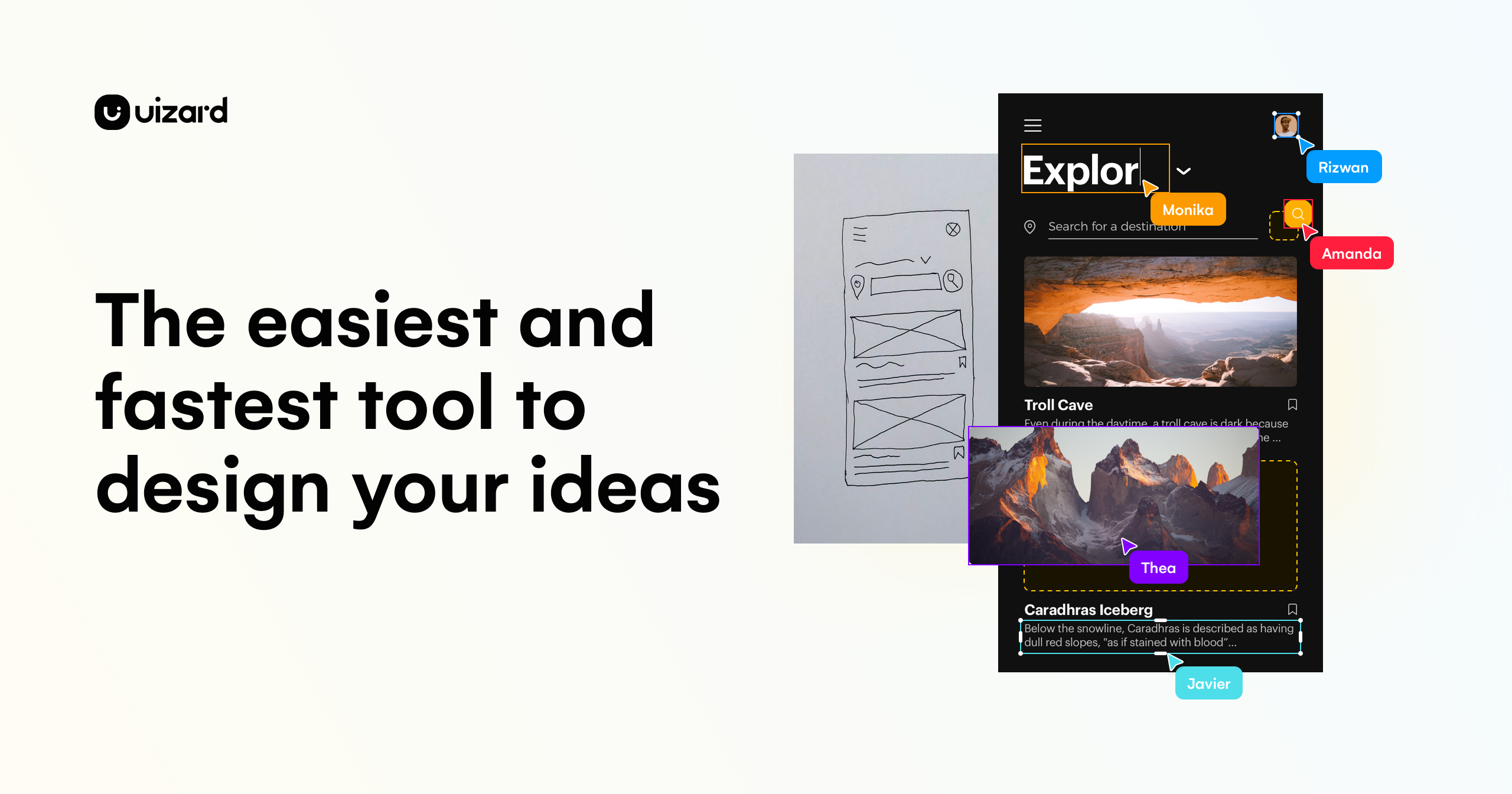
Uizard is an AI-powered UI design tool for apps, websites, and desktop software. Users can generate multi-screen, editable prototypes from a simple text prompt using Autodesigner, turn screenshots or hand-drawn wireframes into editable mockups, and create new themes to change a project's style. Teams can collaborate in real time. The tool is aimed at product managers and product teams, designers and UX professionals, marketers, startup founders, consultants and agencies, and developers. The site also offers an Enterprise option for large businesses. It states that if you can use Google Slides or PowerPoint, you can use Uizard. What sets it apart is the combination of AI generation with a standard design editor. Components can be selected, described, and changed with Autodesigner, and the generated screens and components remain editable rather than fixed images.
查看 UI Design Made Easy, Powered By AI →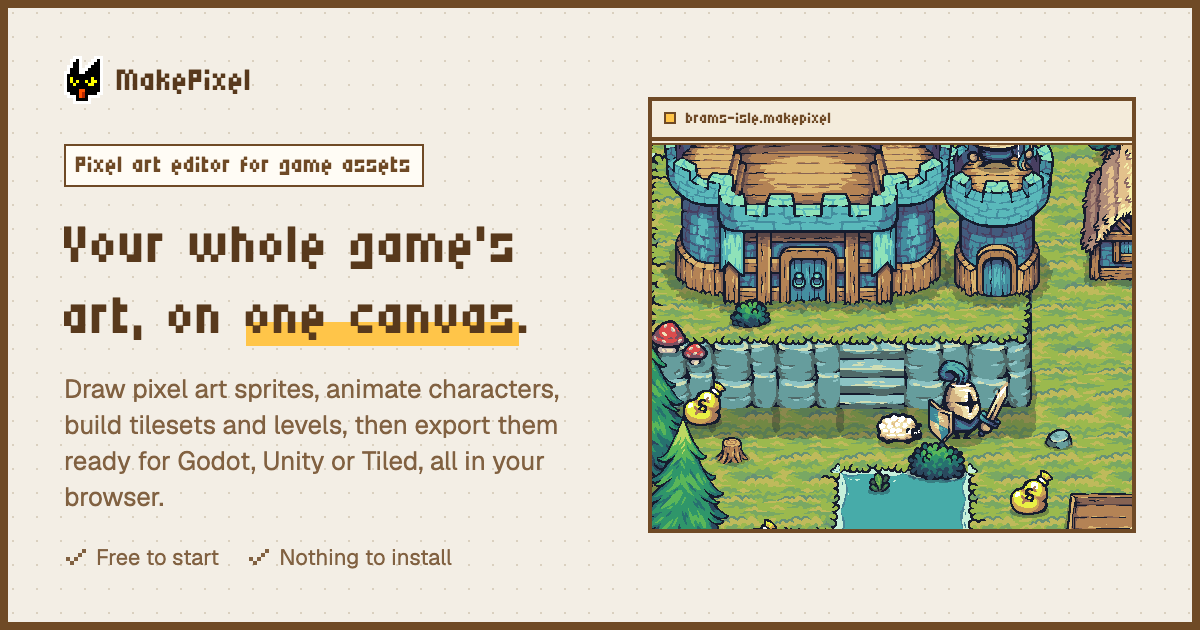
MakePixel
MakePixel is a pixel art editor for game assets that runs in the browser. You draw sprites, animate characters, and build tilesets and levels on one canvas, then export them ready for Godot, Unity, Tiled, or Aseprite. It can also generate pixel art from a text description at 1 credit per picture, and it includes an MCP server that lets coding agents read the canvas and pull sprites into a repository. It is aimed at people making game art who want a whole game's assets in one place. Sections, notes, and an outline keep sprites, animations, and tilesets organised, and a linked asset updates in every project when the original is edited. What sets it apart is autotiling: paint 13 tiles and MakePixel works out the full set of 47. Exports are written in the formats engines read directly, with the filter, pivot, and animation names already set. It is free to start, needs nothing installed, and works on desktop, tablet, and phone.
查看 MakePixel →功能对比
UI Design Made Easy, Powered By AI
- •Text-to-prototype generation of multi-screen, editable designs
- •Autodesigner for modifying individual components with text prompts
- •Screenshot Scanner that turns screenshots into editable mockups
- •Wireframe Scanner that digitizes hand-drawn wireframes
- •Theme generation to change a project's style instantly
- •Real-time collaboration with the product team
MakePixel
暂未列出功能。
概览
| UI Design Made Easy, Powered By AI | MakePixel | |
|---|---|---|
| 分类 | Design & UI | Design & UI |
| 价格 | — | Freemium |
| 社区评分 | 暂无评测 | 暂无评测 |
| Stremit 点赞数 | 45 | 0 |
| 官网 | uizard.io ↗ | makepixel.ai ↗ |
UI Design Made Easy, Powered By AI vs MakePixel:哪个更好?
在 UI Design Made Easy, Powered By AI 和 MakePixel 之间如何选择,取决于你的具体需求。 两个工具都属于 Design & UI 分类,是直接竞争对手。对比上方的价格、功能和用户评测,为你的工作流做出最佳选择。
访问各工具页面,查看更详细的信息、社区评测和功能拆解。
常见问题
What is the difference between UI Design Made Easy, Powered By AI and MakePixel?
UI Design Made Easy, Powered By AI: Uizard is an AI-powered UI design tool for apps, websites, and desktop software. Users can generate multi-screen, editable prototypes from a simple text prompt using Autodesigner, turn screenshots or hand-drawn… MakePixel: MakePixel is a pixel art editor for game assets that runs in the browser. You draw sprites, animate characters, and build tilesets and levels on one canvas, then export them ready for Godot, Unity, Tiled, or Aseprite.…
Is MakePixel free?
MakePixel is listed as Freemium on Stremit. Check the tool's site for current plans.
Are UI Design Made Easy, Powered By AI and MakePixel competitors?
Yes — both are Design & UI tools on Stremit, so people often compare them before choosing.