Hiroska AI video studio: generate, edit and export 4K vs Luma AI
A detailed comparison to help you choose the right AI tool for your workflow.
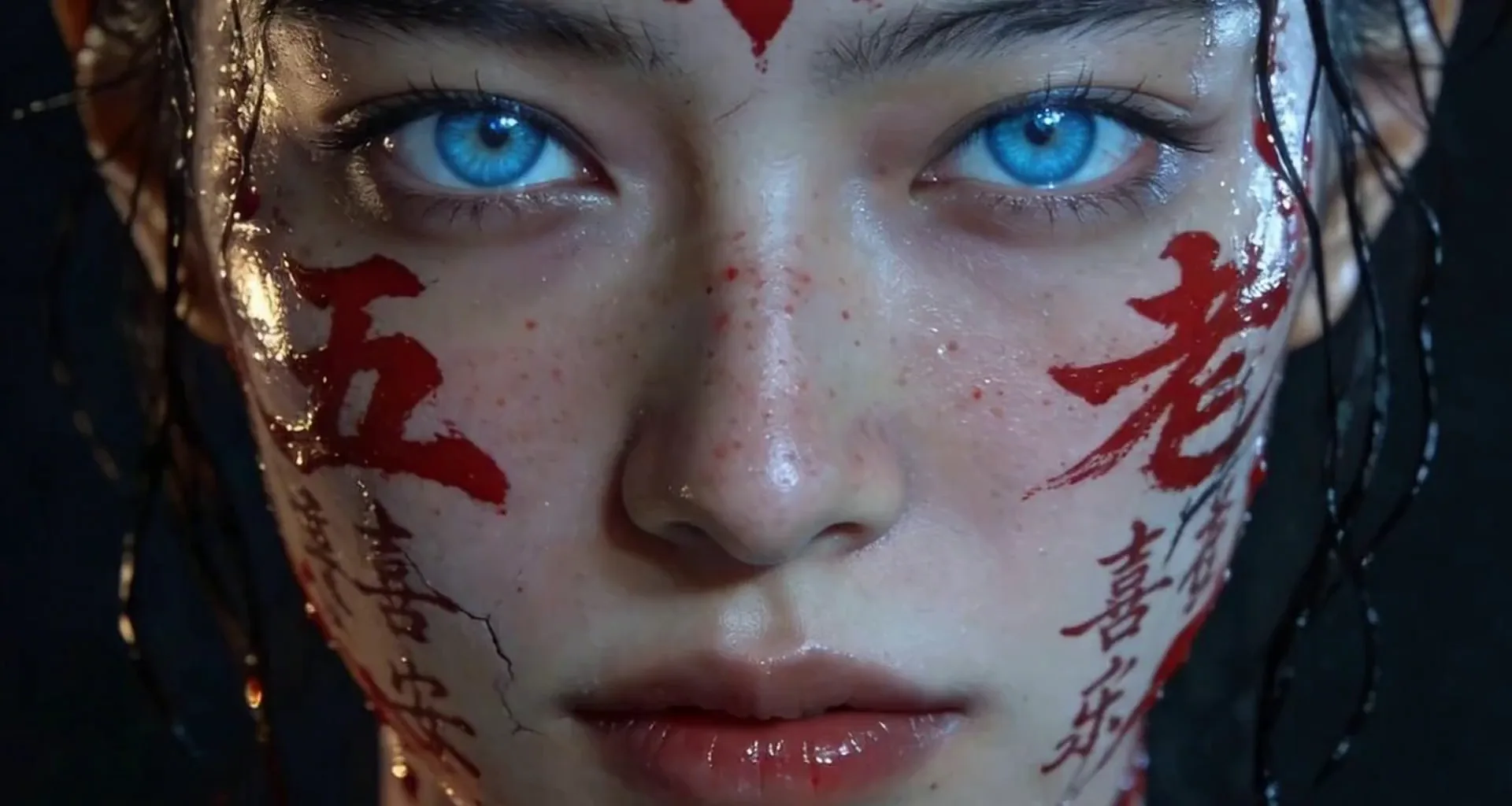
Hiroska AI video studio: generate, edit and export 4K
Generate video, images, music and voiceover with 80+ AI models, edit on a multi-lane timeline and export 4K with no watermark. 10 free AI images a day.
View Hiroska AI video studio: generate, edit and export 4K →
Luma AI
Create, animate & innovate with Luma’s AI. Use text, images, or video to generate realistic motion content with Ray2 and Dream Machine for next-gen storytelling. Luma AI is the creative AI platform for video generation and image creation. Powered by the world's leading video generation models, Ray and Uni, and creative agents handling end-to-end workflows. Trusted by leading agencies and brands. Luma is your creative partner. You have the idea. Luma helps make it real.
View Luma AI →Feature Comparison
Hiroska AI video studio: generate, edit and export 4K
No features listed yet.
Luma AI
- •Create, animate & innovate with Luma’s AI
- •Use text, images, or video to generate realistic motion content
- •Powered by the world's leading video generation models, Ray and Uni
- •Trusted by leading agencies and brands
- •Luma is your creative partner
At a glance
| Hiroska AI video studio: generate, edit and export 4K | Luma AI | |
|---|---|---|
| Category | Image Generation | Image Generation |
| Pricing | — | Paid |
| Community Rating | No reviews | No reviews |
| Upvotes on Stremit | 0 | 81 |
| Website | hiroska.com ↗ | lumalabs.ai ↗ |
Hiroska AI video studio: generate, edit and export 4K vs Luma AI: Which is Better?
Choosing between Hiroska AI video studio: generate, edit and export 4K and Luma AI depends on your specific needs. Both tools belong to the Image Generation category, making them direct competitors. Compare their pricing, features, and user reviews above to make the best choice for your workflow.
Visit the individual tool pages for more detailed information, community reviews, and feature breakdowns.
Frequently asked questions
What is the difference between Hiroska AI video studio: generate, edit and export 4K and Luma AI?
Hiroska AI video studio: generate, edit and export 4K: Generate video, images, music and voiceover with 80+ AI models, edit on a multi-lane timeline and export 4K with no watermark. 10 free AI images a day. Luma AI: Create, animate & innovate with Luma’s AI. Use text, images, or video to generate realistic motion content with Ray2 and Dream Machine for next-gen storytelling. Luma AI is the creative AI platform for video generation…
Is Luma AI free?
Luma AI is listed as Paid on Stremit. Check the tool's site for current plans.
Are Hiroska AI video studio: generate, edit and export 4K and Luma AI competitors?
Yes — both are Image Generation tools on Stremit, so people often compare them before choosing.