Hiroska AI video studio: generate, edit and export 4K vs. Luma AI
Ein ausführlicher Vergleich, der dir hilft, das richtige KI-Tool für deinen Workflow zu wählen.
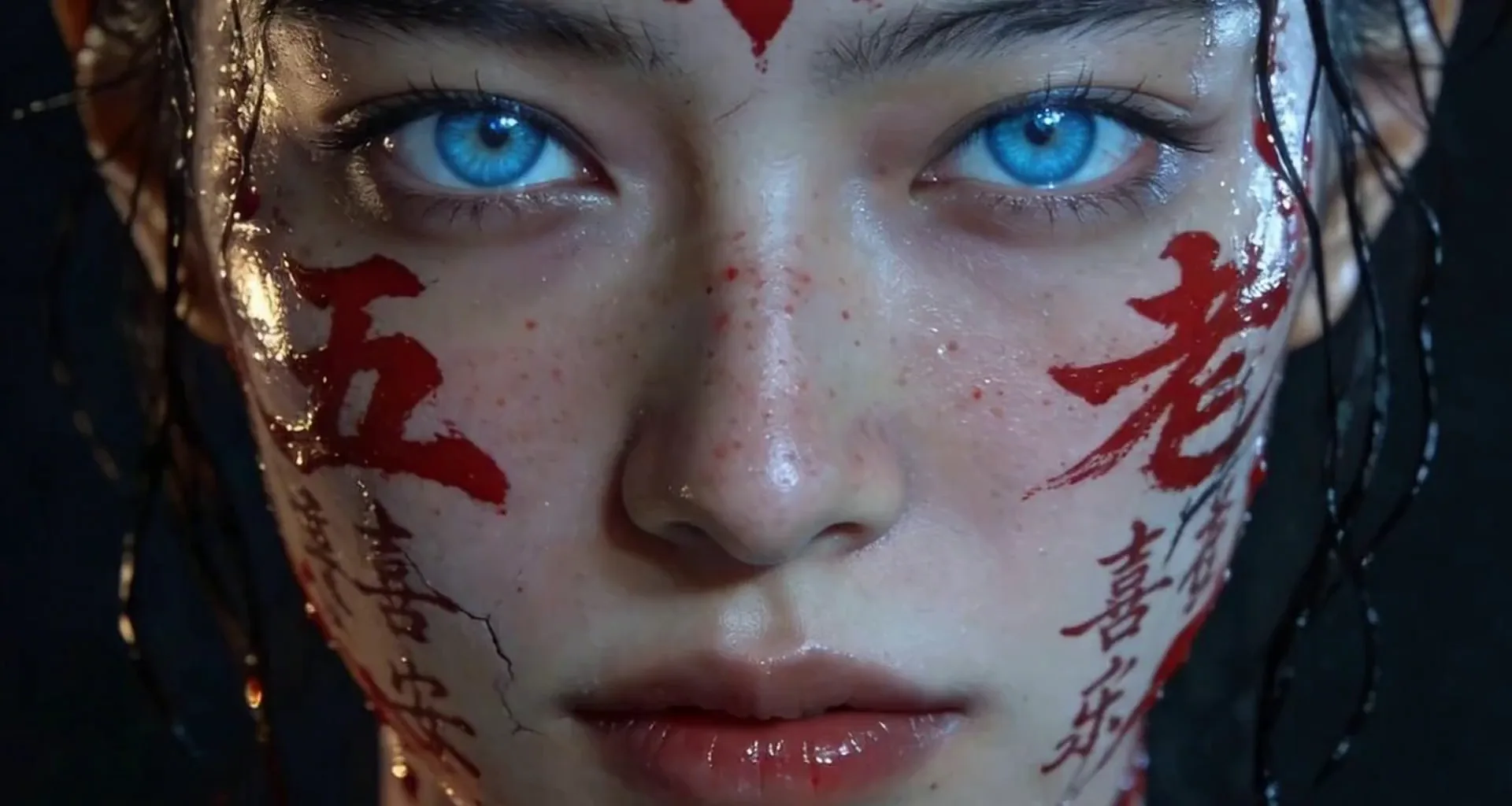
Hiroska AI video studio: generate, edit and export 4K
Generate video, images, music and voiceover with 80+ AI models, edit on a multi-lane timeline and export 4K with no watermark. 10 free AI images a day.
Hiroska AI video studio: generate, edit and export 4K ansehen →
Luma AI
Create, animate & innovate with Luma’s AI. Use text, images, or video to generate realistic motion content with Ray2 and Dream Machine for next-gen storytelling. Luma AI is the creative AI platform for video generation and image creation. Powered by the world's leading video generation models, Ray and Uni, and creative agents handling end-to-end workflows. Trusted by leading agencies and brands. Luma is your creative partner. You have the idea. Luma helps make it real.
Luma AI ansehen →Funktionsvergleich
Hiroska AI video studio: generate, edit and export 4K
Noch keine Funktionen gelistet.
Luma AI
- •Create, animate & innovate with Luma’s AI
- •Use text, images, or video to generate realistic motion content
- •Powered by the world's leading video generation models, Ray and Uni
- •Trusted by leading agencies and brands
- •Luma is your creative partner
Auf einen Blick
| Hiroska AI video studio: generate, edit and export 4K | Luma AI | |
|---|---|---|
| Kategorie | Image Generation | Image Generation |
| Preise | — | Paid |
| Community-Bewertung | Keine Bewertungen | Keine Bewertungen |
| Upvotes auf Stremit | 0 | 81 |
| Website | hiroska.com ↗ | lumalabs.ai ↗ |
Hiroska AI video studio: generate, edit and export 4K vs. Luma AI: Was ist besser?
Ob Hiroska AI video studio: generate, edit and export 4K oder Luma AI besser passt, hängt von deinen konkreten Anforderungen ab. Beide Tools gehören zur Kategorie Image Generation und sind damit direkte Konkurrenten. Vergleiche oben Preise, Funktionen und Nutzerbewertungen, um die beste Wahl für deinen Workflow zu treffen.
Auf den einzelnen Tool-Seiten findest du ausführlichere Infos, Community-Bewertungen und Funktionsübersichten.
Häufige Fragen
What is the difference between Hiroska AI video studio: generate, edit and export 4K and Luma AI?
Hiroska AI video studio: generate, edit and export 4K: Generate video, images, music and voiceover with 80+ AI models, edit on a multi-lane timeline and export 4K with no watermark. 10 free AI images a day. Luma AI: Create, animate & innovate with Luma’s AI. Use text, images, or video to generate realistic motion content with Ray2 and Dream Machine for next-gen storytelling. Luma AI is the creative AI platform for video generation…
Is Luma AI free?
Luma AI is listed as Paid on Stremit. Check the tool's site for current plans.
Are Hiroska AI video studio: generate, edit and export 4K and Luma AI competitors?
Yes — both are Image Generation tools on Stremit, so people often compare them before choosing.