Inkown vs SpriteFlow
A detailed comparison to help you choose the right AI tool for your workflow.
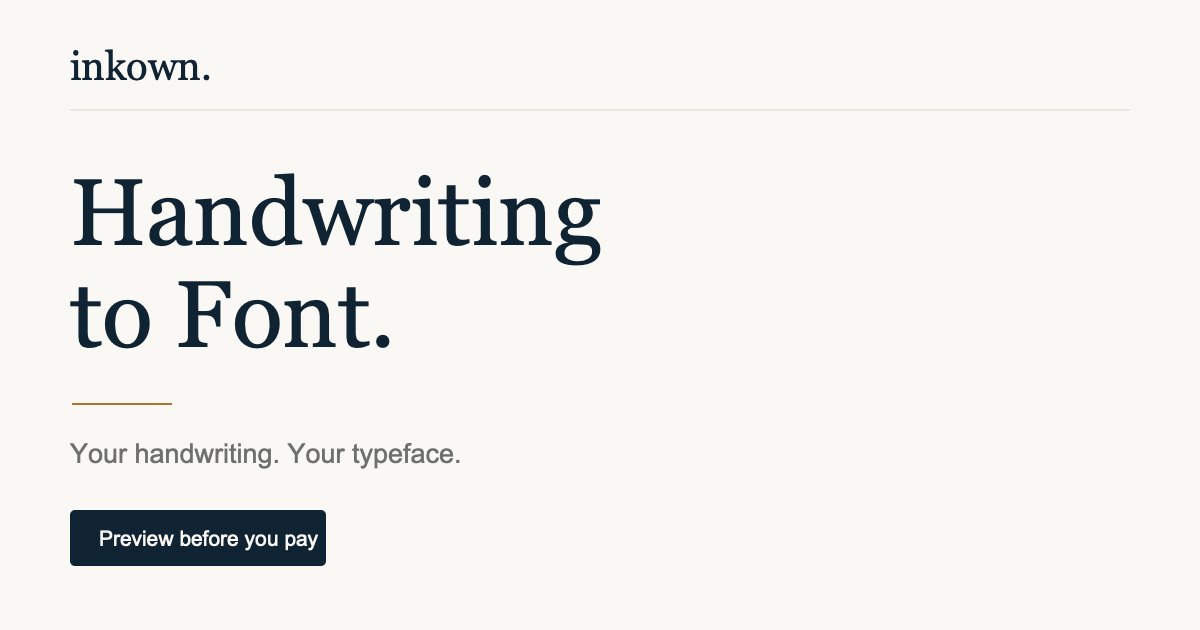
Inkown
Inkown turns a photo of your handwriting into an installable TTF font. You upload a JPG, PNG or WebP up to 10 MB, and AI generates a 76-character font, filling in any missing characters to match your style. You can preview the font and try your own text before you pay. It is made for people who want a personal typeface for cards, family albums, recipe books or everyday documents. The font works in Word, Figma, Canva and other apps that support custom fonts, on Windows or Mac. Inkown charges once: $7.99 per font, with no printer, template or subscription needed. Each account gets two free generations. Letters are standalone, without cursive joins or alternate letterforms, and only basic Latin characters are included.
View Inkown →
SpriteFlow
SpriteFlow is an AI sprite generator that creates production-ready game assets, including character animations, sprite sheets, and JSON atlases. It generates full animation cycles—such as walking, idle, and attack—by simply describing the character or uploading an image. The tool also supports creating unique assets like NPC variations, props, and 8-directional sprites for isometric views. It is designed for game developers, particularly solo indie developers, who need to create assets quickly without manual pixel-by-pixel drawing skills. Unlike traditional methods that require dozens of hours for consistency, SpriteFlow generates complete character sheets in minutes. Its core advantage is guaranteeing perfect style consistency across every single frame, maintaining identical colors and proportions. The system allows users to upload a character or describe them, select an animation type, and generate the necessary frames. Assets can then be exported with one click to major game engines like Unity, Godot, or Unreal, complete with metadata and animation controller presets.
View SpriteFlow →Feature Comparison
Inkown
No features listed yet.
SpriteFlow
- •Guaranteed style consistency across all frames
- •Automatic sprite sheet grid packing and JSON metadata
- •Supports 8-directional sprites (isometric/top-down)
- •Generates complete animation sets (walk, idle, attack, etc.)
- •One-click export to Unity, Godot, and Unreal
At a glance
| Inkown | SpriteFlow | |
|---|---|---|
| Category | Design & UI | Design & UI |
| Pricing | Paid | Freemium |
| Community Rating | No reviews | No reviews |
| Upvotes on Stremit | 0 | 71 |
| Website | inkown.com ↗ | spriteflow.io ↗ |
Inkown vs SpriteFlow: Which is Better?
Choosing between Inkown and SpriteFlow depends on your specific needs. Both tools belong to the Design & UI category, making them direct competitors. Compare their pricing, features, and user reviews above to make the best choice for your workflow.
Visit the individual tool pages for more detailed information, community reviews, and feature breakdowns.
Frequently asked questions
What is the difference between Inkown and SpriteFlow?
Inkown: Inkown turns a photo of your handwriting into an installable TTF font. You upload a JPG, PNG or WebP up to 10 MB, and AI generates a 76-character font, filling in any missing characters to match your style. You can… SpriteFlow: SpriteFlow is an AI sprite generator that creates production-ready game assets, including character animations, sprite sheets, and JSON atlases. It generates full animation cycles—such as walking, idle, and attack—by…
Is Inkown free?
Inkown is listed as Paid on Stremit. Check the tool's site for current plans.
Is SpriteFlow free?
SpriteFlow is listed as Freemium on Stremit. Check the tool's site for current plans.
Are Inkown and SpriteFlow competitors?
Yes — both are Design & UI tools on Stremit, so people often compare them before choosing.