MixMemo vs Gemini Gems
A detailed comparison to help you choose the right AI tool for your workflow.
MixMemo
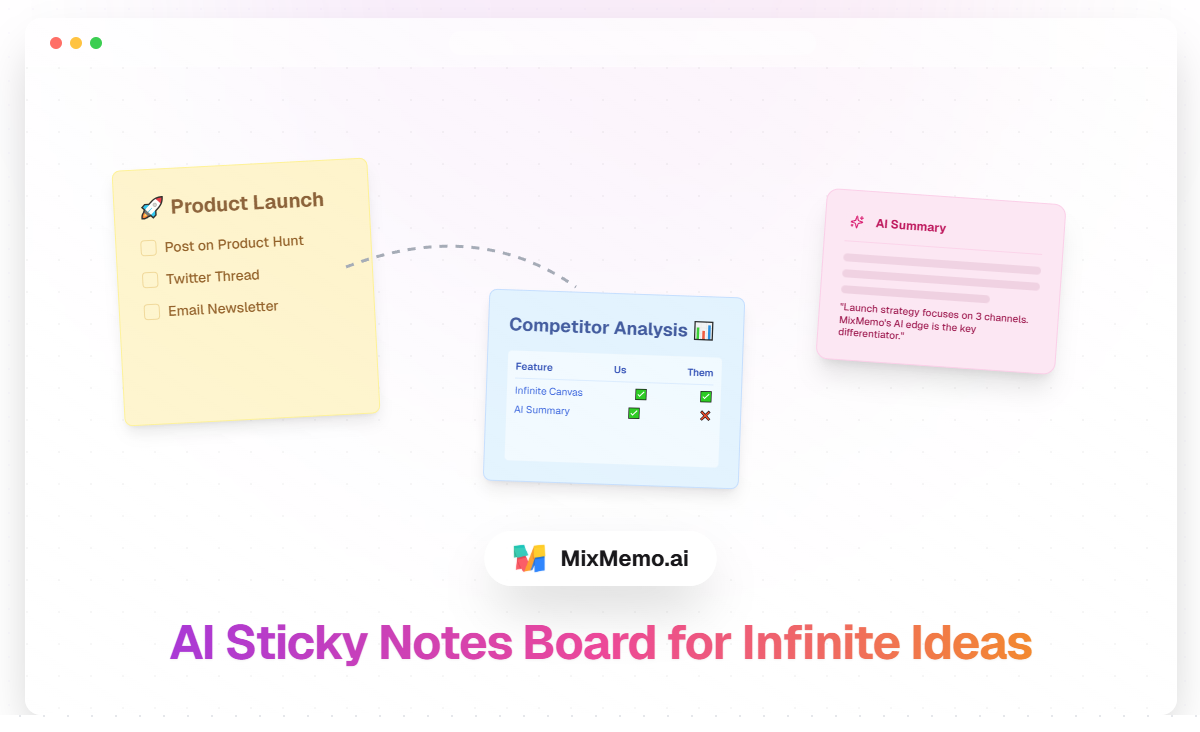
MixMemo is an infinite canvas for online sticky notes. Users click anywhere to create a note, add rich text, files, and images, and drag notes into clusters, timelines, study maps, or project boards. Notes can be exported as PNG or PDF, shared through read-only public links, and backed up with export/import. Optional AI helpers can summarize, rewrite, translate, extract action items, and turn notes into mind maps, flowcharts, timelines, or Gantt charts. It is built for students planning study material and exam prep, and for professionals who plan projects, organize research, or map workflows. Basic note taking requires no login. MixMemo stores basic notes in the browser using IndexedDB. Content is sent to the cloud only when the user chooses an action such as AI processing, public sharing, or generated asset storage. A Chrome extension brings the same sticky note experience to web browsing.
View MixMemo →
Gemini Gems
Gemini Skills allows users to automate complex workflows by creating custom AI shortcuts directly within Gemini. Instead of repetitive prompting, users turn frequent requests into reusable skills, enabling seamless multi-step automation by combining (stacking) multiple skills in a single prompt. It is designed for individuals and teams who need to streamline tasks, such as preparing for meetings or ensuring consistent writing style. Users can enhance context by uploading specific files (skill.md) to give Gemini more reference material each time a skill is used. The system offers premade skills and allows new skills to be built either via regular chat or the Skills Manager. This functionality helps users move beyond simple prompting to truly customized and enhanced productivity.
View Gemini Gems →Feature Comparison
MixMemo
- •Infinite canvas with drag-to-cluster sticky notes
- •Rich text notes with images, files, and tables
- •Optional AI summaries, rewrites, and translation
- •Diagrams including mind maps, flowcharts, and Gantt charts
- •Local-first storage in browser IndexedDB
- •PNG and PDF export, read-only share links, and export/import backups
Gemini Gems
- •Create custom AI shortcuts/skills
- •Stack multiple skills for complex workflows
- •Add context by uploading skill.md files
- •Access premade skills (e.g., /prep-for-meetings)
- •Build skills through chat or Skills Manager
At a glance
| MixMemo | Gemini Gems | |
|---|---|---|
| Category | Productivity | Productivity |
| Pricing | Free | Free |
| Community Rating | No reviews | No reviews |
| Upvotes on Stremit | 47 | 85 |
| Website | mixmemo.ai ↗ | gemini.google ↗ |
MixMemo vs Gemini Gems: Which is Better?
Choosing between MixMemo and Gemini Gems depends on your specific needs. Both tools belong to the Productivity category, making them direct competitors. Compare their pricing, features, and user reviews above to make the best choice for your workflow.
Visit the individual tool pages for more detailed information, community reviews, and feature breakdowns.
Frequently asked questions
What is the difference between MixMemo and Gemini Gems?
MixMemo: MixMemo is an infinite canvas for online sticky notes. Users click anywhere to create a note, add rich text, files, and images, and drag notes into clusters, timelines, study maps, or project boards. Notes can be… Gemini Gems: Gemini Skills allows users to automate complex workflows by creating custom AI shortcuts directly within Gemini. Instead of repetitive prompting, users turn frequent requests into reusable skills, enabling seamless…
Is MixMemo free?
MixMemo is listed as Free on Stremit. Check the tool's site for current plans.
Is Gemini Gems free?
Gemini Gems is listed as Free on Stremit. Check the tool's site for current plans.
Are MixMemo and Gemini Gems competitors?
Yes — both are Productivity tools on Stremit, so people often compare them before choosing.