Thumbwise vs $THINK — AI You Own.
A detailed comparison to help you choose the right AI tool for your workflow.
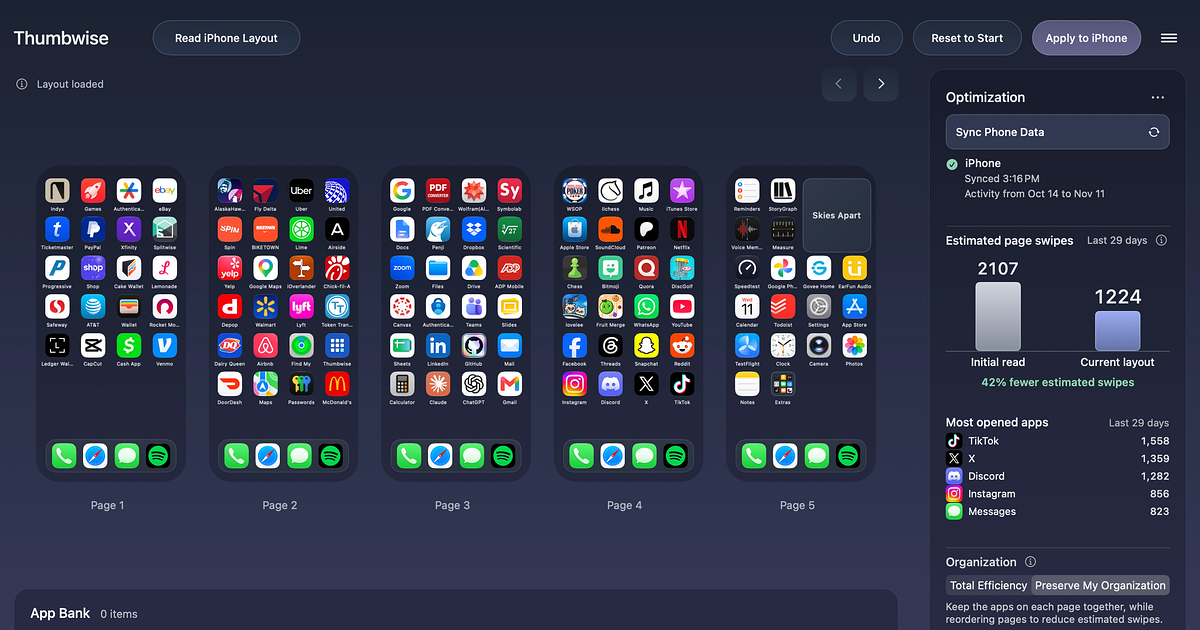
Thumbwise
Thumbwise is a Mac app for organizing the Home Screen of an iPhone. You arrange apps, folders, and widgets on a large screen, then apply the exact layout to your iPhone over a USB data cable. It can also build a layout that reduces swipes between Home Screen pages, based on app usage from the past 30 days, or let a compatible AI assistant arrange the apps through Thumbwise's MCP tools. It is for iPhone users with many apps and pages who find rearranging icons on the device slow. It requires a Mac with Apple silicon running macOS 15 or later and an iPhone on iOS 27. iPad is not supported. Thumbwise keeps your layout on your Mac and does not install an app or profile on the iPhone. It backs up your current layout before every Apply and lets you restore an earlier one. Downloading, organizing, and previewing are free. A one-time payment of $14.99 USD unlocks Apply.
View Thumbwise →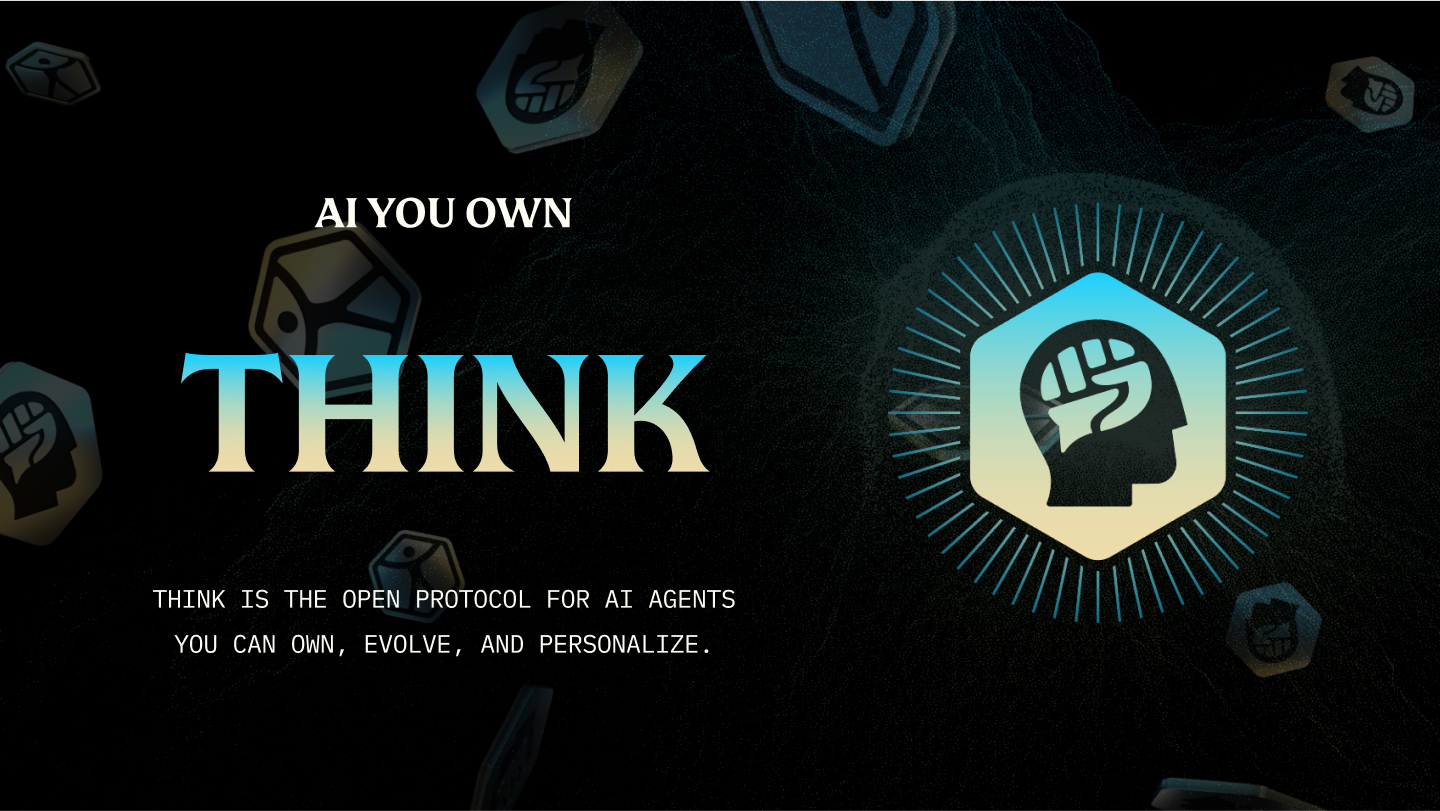
$THINK — AI You Own.
ThinkOS provides a system of personal AI teammates designed to learn and grow with your work, handling complex tasks across various professional domains. It connects to existing tools like Gmail, Calendar, Drive, Slack, and Linear, allowing agents to triage inboxes, draft follow-ups, track expenses, and keep running itineraries. The platform is built around the concept of agent ownership, giving users control over their data and intellectual process. Learned information is saved to "Work Memory" as plain files on your computer, ensuring you retain ownership and avoid vendor lock-in. This makes it ideal for professionals who rely on multiple digital tools and require a highly customizable assistant that adapts to their unique workflows, ensuring that your intelligence stays yours.
View $THINK — AI You Own. →Feature Comparison
Thumbwise
No features listed yet.
$THINK — AI You Own.
- •Integrates with Gmail, Calendar, Slack, and linear
- •Work Memory stores data as plain files
- •Customizable Spheres for specific tasks
- •Runs on Mac, Windows, and Linux
- •Supports dedicated agent avatars
At a glance
| Thumbwise | $THINK — AI You Own. | |
|---|---|---|
| Category | Productivity | Productivity |
| Pricing | Freemium | — |
| Community Rating | No reviews | No reviews |
| Upvotes on Stremit | 0 | 60 |
| Website | thumbwise.app ↗ | thinkagents.ai ↗ |
Thumbwise vs $THINK — AI You Own.: Which is Better?
Choosing between Thumbwise and $THINK — AI You Own. depends on your specific needs. Both tools belong to the Productivity category, making them direct competitors. Compare their pricing, features, and user reviews above to make the best choice for your workflow.
Visit the individual tool pages for more detailed information, community reviews, and feature breakdowns.
Frequently asked questions
What is the difference between Thumbwise and $THINK — AI You Own.?
Thumbwise: Thumbwise is a Mac app for organizing the Home Screen of an iPhone. You arrange apps, folders, and widgets on a large screen, then apply the exact layout to your iPhone over a USB data cable. It can also build a layout… $THINK — AI You Own.: ThinkOS provides a system of personal AI teammates designed to learn and grow with your work, handling complex tasks across various professional domains. It connects to existing tools like Gmail, Calendar, Drive, Slack,…
Is Thumbwise free?
Thumbwise is listed as Freemium on Stremit. Check the tool's site for current plans.
Are Thumbwise and $THINK — AI You Own. competitors?
Yes — both are Productivity tools on Stremit, so people often compare them before choosing.