Excel AI for Data Analysis, Charts, Reports & Dashboards vs. Extract Data from Financial Documents with Intelligent Document Processing
Ein ausführlicher Vergleich, der dir hilft, das richtige KI-Tool für deinen Workflow zu wählen.
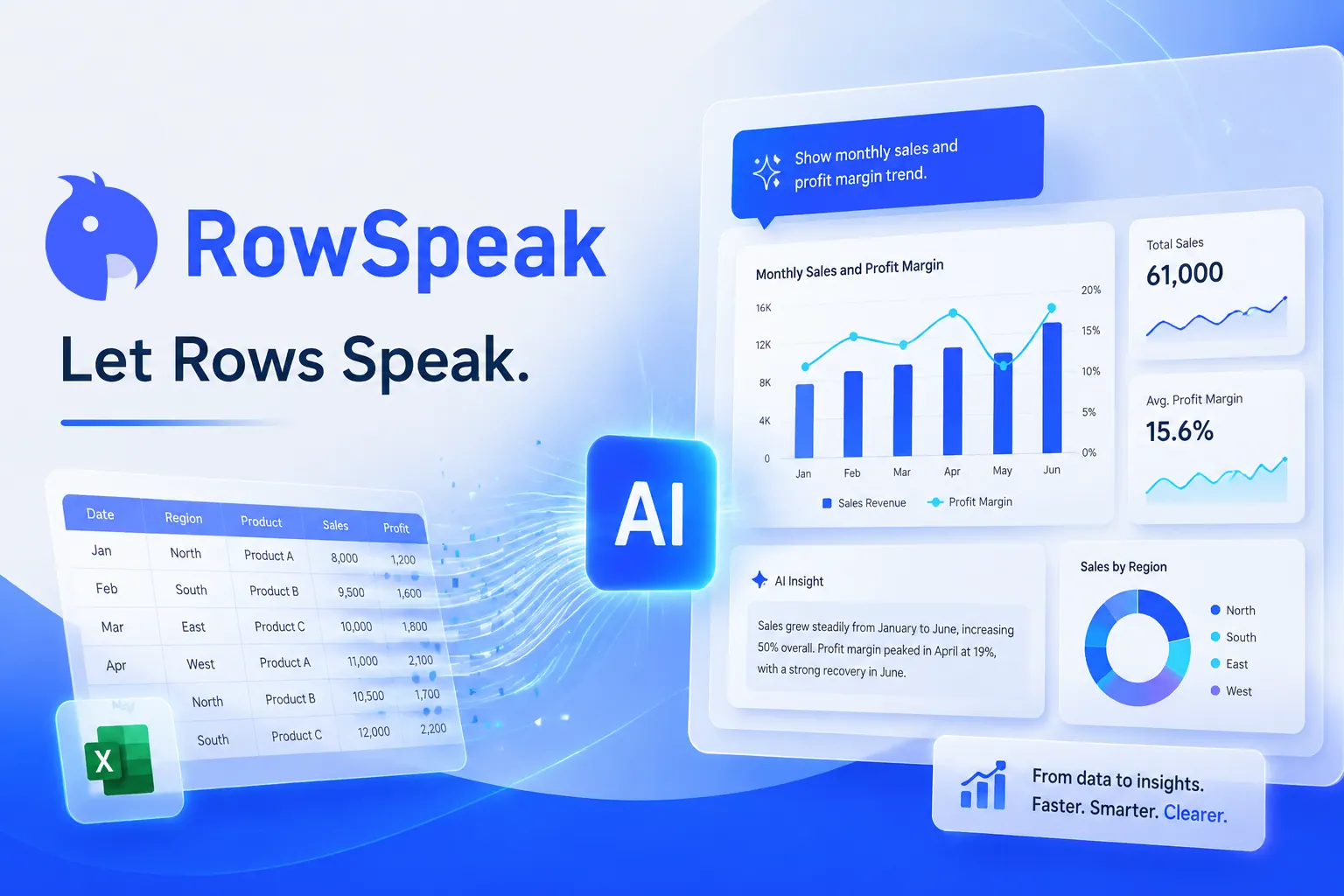
Excel AI for Data Analysis, Charts, Reports & Dashboards
Analyze messy Excel, CSV, PDF, and image tables with AI. Find trends, explain changes, create charts, dashboards, and reports you can review.
Excel AI for Data Analysis, Charts, Reports & Dashboards ansehen →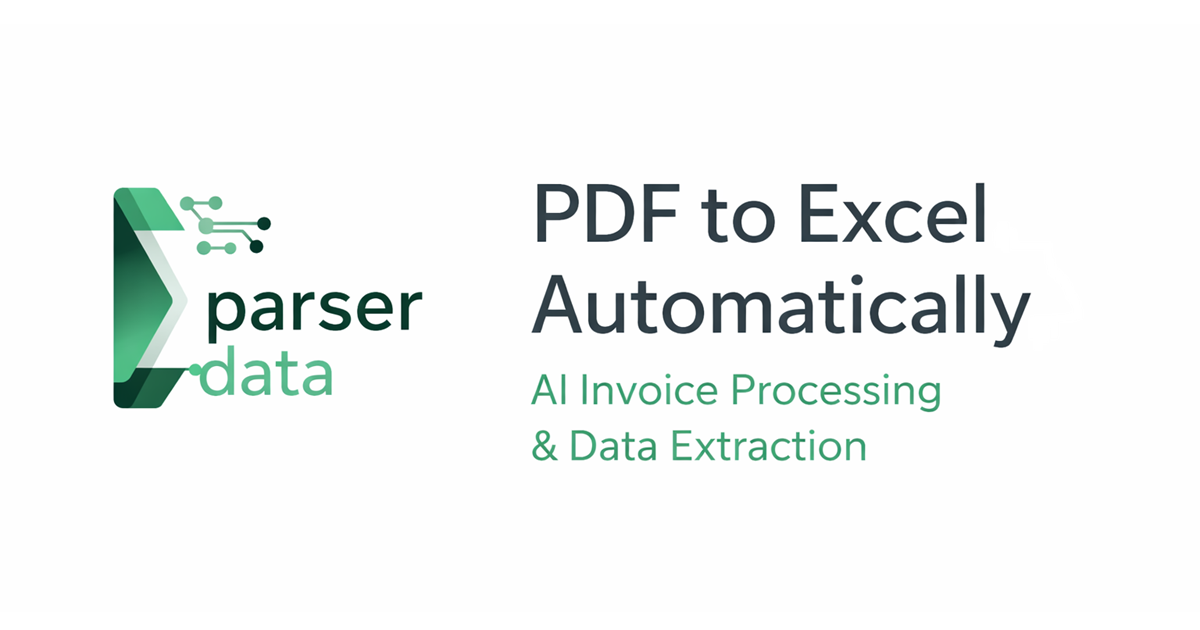
Extract Data from Financial Documents with Intelligent Document Processing
ParserData is an intelligent document processing tool for extracting data from financial documents. It converts PDFs into Excel, CSV, JSON, or XML files, and it can generate reports from the extracted data. The tool is aimed at teams that handle large volumes of financial paperwork and need that information in structured formats for other systems or spreadsheets. Automating these workflows through an API is a stated option, so developers can connect extraction into their own processes. The site describes a focused set of capabilities: financial document extraction, PDF conversion to several data formats, report generation, and API-based workflow automation. Its public text does not list pricing, integrations, accuracy figures, or specific supported document types, so those details should be checked directly with the vendor.
Extract Data from Financial Documents with Intelligent Document Processing ansehen →Funktionsvergleich
Excel AI for Data Analysis, Charts, Reports & Dashboards
Noch keine Funktionen gelistet.
Extract Data from Financial Documents with Intelligent Document Processing
- •Extracts data from financial documents
- •Converts PDFs to Excel, CSV, JSON, or XML
- •Generates reports from extracted data
- •Automates workflows via API
Auf einen Blick
| Excel AI for Data Analysis, Charts, Reports & Dashboards | Extract Data from Financial Documents with Intelligent Document Processing | |
|---|---|---|
| Kategorie | Data & Analytics | Data & Analytics |
| Preise | — | — |
| Community-Bewertung | Keine Bewertungen | Keine Bewertungen |
| Upvotes auf Stremit | 79 | 81 |
| Website | rowspeak.ai ↗ | parserdata.com ↗ |
Excel AI for Data Analysis, Charts, Reports & Dashboards vs. Extract Data from Financial Documents with Intelligent Document Processing: Was ist besser?
Ob Excel AI for Data Analysis, Charts, Reports & Dashboards oder Extract Data from Financial Documents with Intelligent Document Processing besser passt, hängt von deinen konkreten Anforderungen ab. Beide Tools gehören zur Kategorie Data & Analytics und sind damit direkte Konkurrenten. Vergleiche oben Preise, Funktionen und Nutzerbewertungen, um die beste Wahl für deinen Workflow zu treffen.
Auf den einzelnen Tool-Seiten findest du ausführlichere Infos, Community-Bewertungen und Funktionsübersichten.
Häufige Fragen
What is the difference between Excel AI for Data Analysis, Charts, Reports & Dashboards and Extract Data from Financial Documents with Intelligent Document Processing?
Excel AI for Data Analysis, Charts, Reports & Dashboards: Analyze messy Excel, CSV, PDF, and image tables with AI. Find trends, explain changes, create charts, dashboards, and reports you can review. Extract Data from Financial Documents with Intelligent Document Processing: ParserData is an intelligent document processing tool for extracting data from financial documents. It converts PDFs into Excel, CSV, JSON, or XML files, and it can generate reports from the extracted data. The tool is…
Are Excel AI for Data Analysis, Charts, Reports & Dashboards and Extract Data from Financial Documents with Intelligent Document Processing competitors?
Yes — both are Data & Analytics tools on Stremit, so people often compare them before choosing.