Excel AI for Data Analysis, Charts, Reports & Dashboards vs Extract Data from Financial Documents with Intelligent Document Processing
详细对比,帮你为工作流选择合适的 AI 工具。
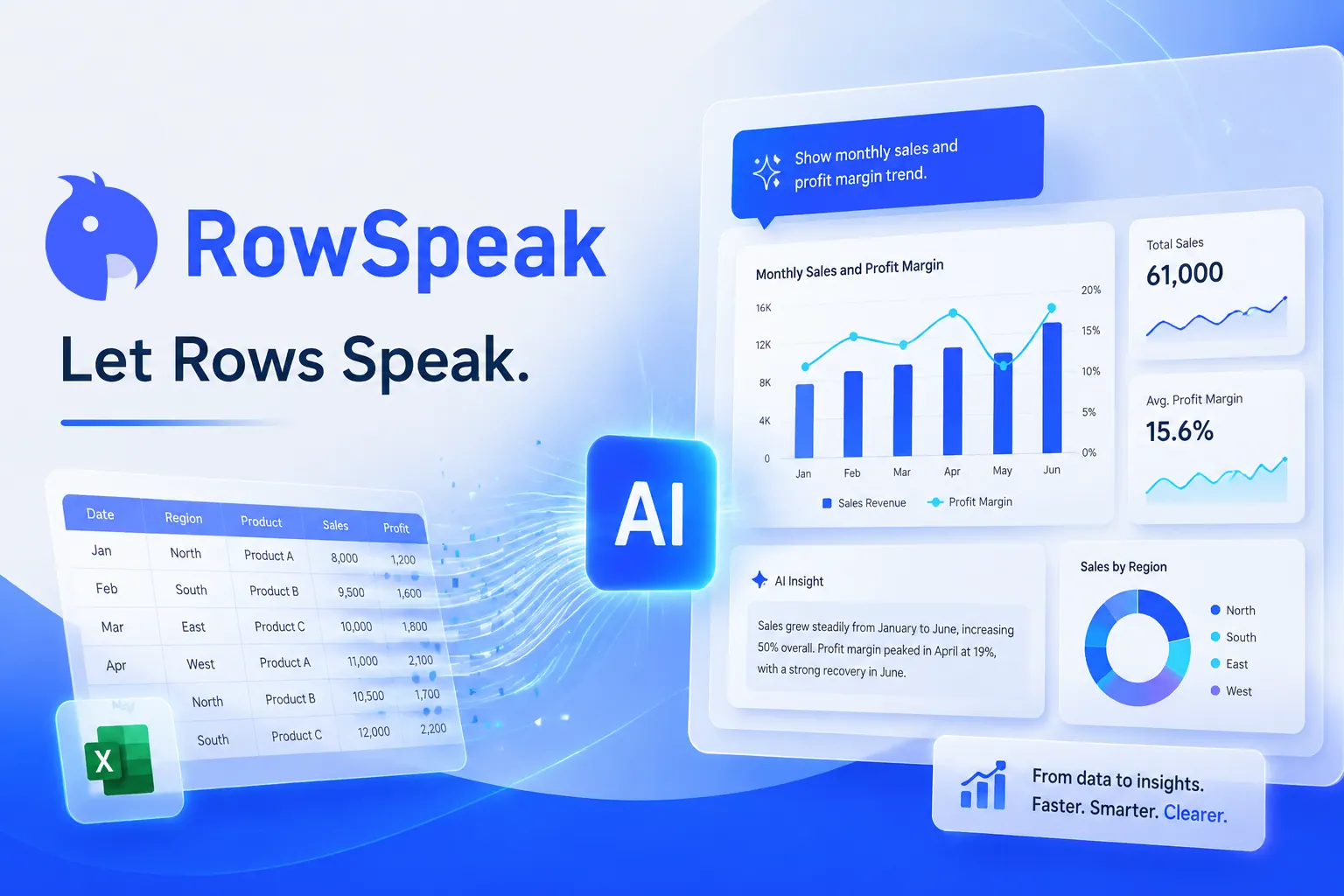
Excel AI for Data Analysis, Charts, Reports & Dashboards
Analyze messy Excel, CSV, PDF, and image tables with AI. Find trends, explain changes, create charts, dashboards, and reports you can review.
查看 Excel AI for Data Analysis, Charts, Reports & Dashboards →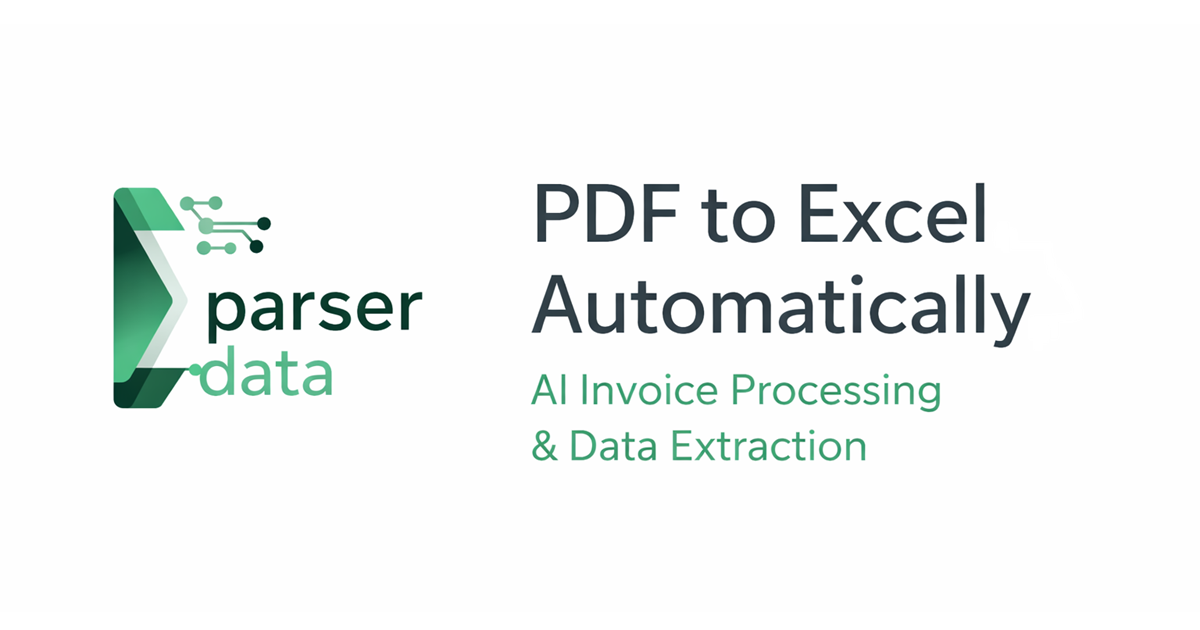
Extract Data from Financial Documents with Intelligent Document Processing
ParserData is an intelligent document processing tool for extracting data from financial documents. It converts PDFs into Excel, CSV, JSON, or XML files, and it can generate reports from the extracted data. The tool is aimed at teams that handle large volumes of financial paperwork and need that information in structured formats for other systems or spreadsheets. Automating these workflows through an API is a stated option, so developers can connect extraction into their own processes. The site describes a focused set of capabilities: financial document extraction, PDF conversion to several data formats, report generation, and API-based workflow automation. Its public text does not list pricing, integrations, accuracy figures, or specific supported document types, so those details should be checked directly with the vendor.
查看 Extract Data from Financial Documents with Intelligent Document Processing →功能对比
Excel AI for Data Analysis, Charts, Reports & Dashboards
暂未列出功能。
Extract Data from Financial Documents with Intelligent Document Processing
- •Extracts data from financial documents
- •Converts PDFs to Excel, CSV, JSON, or XML
- •Generates reports from extracted data
- •Automates workflows via API
概览
| Excel AI for Data Analysis, Charts, Reports & Dashboards | Extract Data from Financial Documents with Intelligent Document Processing | |
|---|---|---|
| 分类 | Data & Analytics | Data & Analytics |
| 价格 | — | — |
| 社区评分 | 暂无评测 | 暂无评测 |
| Stremit 点赞数 | 79 | 81 |
| 官网 | rowspeak.ai ↗ | parserdata.com ↗ |
Excel AI for Data Analysis, Charts, Reports & Dashboards vs Extract Data from Financial Documents with Intelligent Document Processing:哪个更好?
在 Excel AI for Data Analysis, Charts, Reports & Dashboards 和 Extract Data from Financial Documents with Intelligent Document Processing 之间如何选择,取决于你的具体需求。 两个工具都属于 Data & Analytics 分类,是直接竞争对手。对比上方的价格、功能和用户评测,为你的工作流做出最佳选择。
访问各工具页面,查看更详细的信息、社区评测和功能拆解。
常见问题
What is the difference between Excel AI for Data Analysis, Charts, Reports & Dashboards and Extract Data from Financial Documents with Intelligent Document Processing?
Excel AI for Data Analysis, Charts, Reports & Dashboards: Analyze messy Excel, CSV, PDF, and image tables with AI. Find trends, explain changes, create charts, dashboards, and reports you can review. Extract Data from Financial Documents with Intelligent Document Processing: ParserData is an intelligent document processing tool for extracting data from financial documents. It converts PDFs into Excel, CSV, JSON, or XML files, and it can generate reports from the extracted data. The tool is…
Are Excel AI for Data Analysis, Charts, Reports & Dashboards and Extract Data from Financial Documents with Intelligent Document Processing competitors?
Yes — both are Data & Analytics tools on Stremit, so people often compare them before choosing.