FontGenerator vs. Inkown
Ein ausführlicher Vergleich, der dir hilft, das richtige KI-Tool für deinen Workflow zu wählen.
FontGenerator
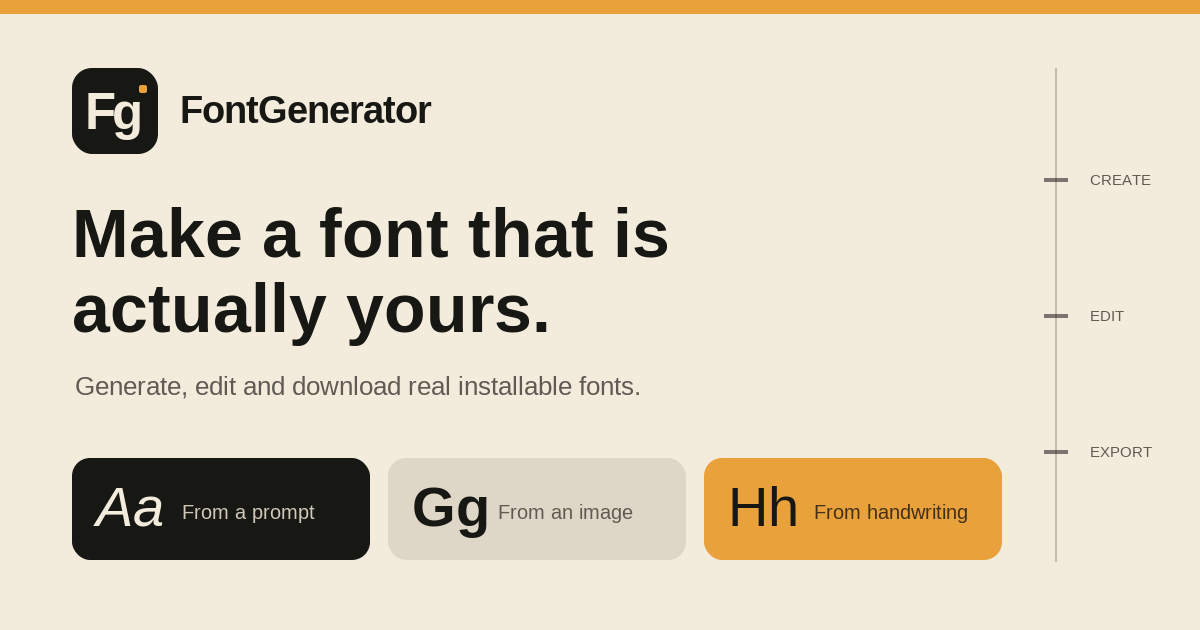
FontGenerator creates installable fonts from a text description, a reference image, or a handwriting sample. You can test, edit, and export the result as TTF, OTF, WOFF, or WOFF2 files. Individual letters can be redrawn and spacing adjusted in Studio before download. The tool is aimed at designers and teams making custom type for print, brand, and web projects. It also works for people who want their own handwriting as a font: you write the alphabet on screen with a finger, stylus, or mouse, and no printer is needed. Each checked version includes a character coverage report, a specimen image, and a CSS snippet for web use. The preview loads the compiled font file, so the result you inspect is the file you receive. Fonts support 58 languages, but joined script, blackletter, monospace, and stencil styles do not come out reliably yet and are better started from the library.
FontGenerator ansehen →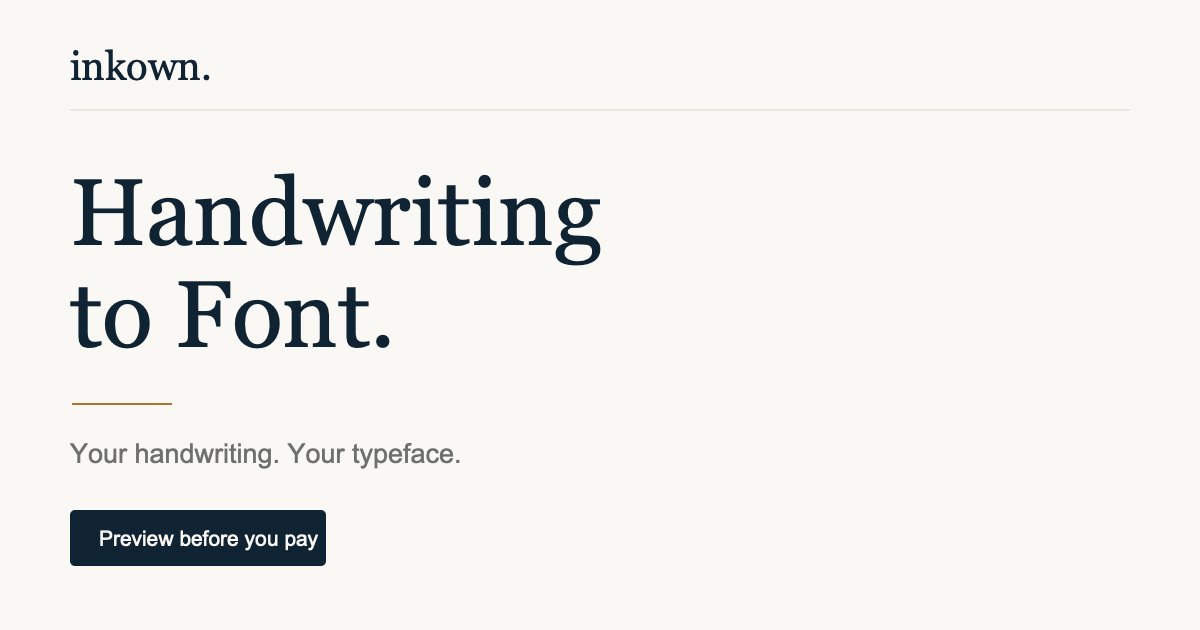
Inkown
Inkown turns a photo of your handwriting into an installable TTF font. You upload a JPG, PNG or WebP up to 10 MB, and AI generates a 76-character font, filling in any missing characters to match your style. You can preview the font and try your own text before you pay. It is made for people who want a personal typeface for cards, family albums, recipe books or everyday documents. The font works in Word, Figma, Canva and other apps that support custom fonts, on Windows or Mac. Inkown charges once: $7.99 per font, with no printer, template or subscription needed. Each account gets two free generations. Letters are standalone, without cursive joins or alternate letterforms, and only basic Latin characters are included.
Inkown ansehen →Auf einen Blick
| FontGenerator | Inkown | |
|---|---|---|
| Kategorie | Design & UI | Design & UI |
| Preise | Freemium | Paid |
| Community-Bewertung | Keine Bewertungen | Keine Bewertungen |
| Upvotes auf Stremit | 0 | 0 |
| Website | fontgenerator.tools ↗ | inkown.com ↗ |
FontGenerator vs. Inkown: Was ist besser?
Ob FontGenerator oder Inkown besser passt, hängt von deinen konkreten Anforderungen ab. Beide Tools gehören zur Kategorie Design & UI und sind damit direkte Konkurrenten. Vergleiche oben Preise, Funktionen und Nutzerbewertungen, um die beste Wahl für deinen Workflow zu treffen.
Auf den einzelnen Tool-Seiten findest du ausführlichere Infos, Community-Bewertungen und Funktionsübersichten.
Häufige Fragen
What is the difference between FontGenerator and Inkown?
FontGenerator: FontGenerator creates installable fonts from a text description, a reference image, or a handwriting sample. You can test, edit, and export the result as TTF, OTF, WOFF, or WOFF2 files. Individual letters can be redrawn… Inkown: Inkown turns a photo of your handwriting into an installable TTF font. You upload a JPG, PNG or WebP up to 10 MB, and AI generates a 76-character font, filling in any missing characters to match your style. You can…
Is FontGenerator free?
FontGenerator is listed as Freemium on Stremit. Check the tool's site for current plans.
Is Inkown free?
Inkown is listed as Paid on Stremit. Check the tool's site for current plans.
Are FontGenerator and Inkown competitors?
Yes — both are Design & UI tools on Stremit, so people often compare them before choosing.