AI Speaker Separation vs $THINK — AI You Own.
Una comparación detallada para ayudarte a elegir la herramienta de IA adecuada para tu flujo de trabajo.
AI Speaker Separation
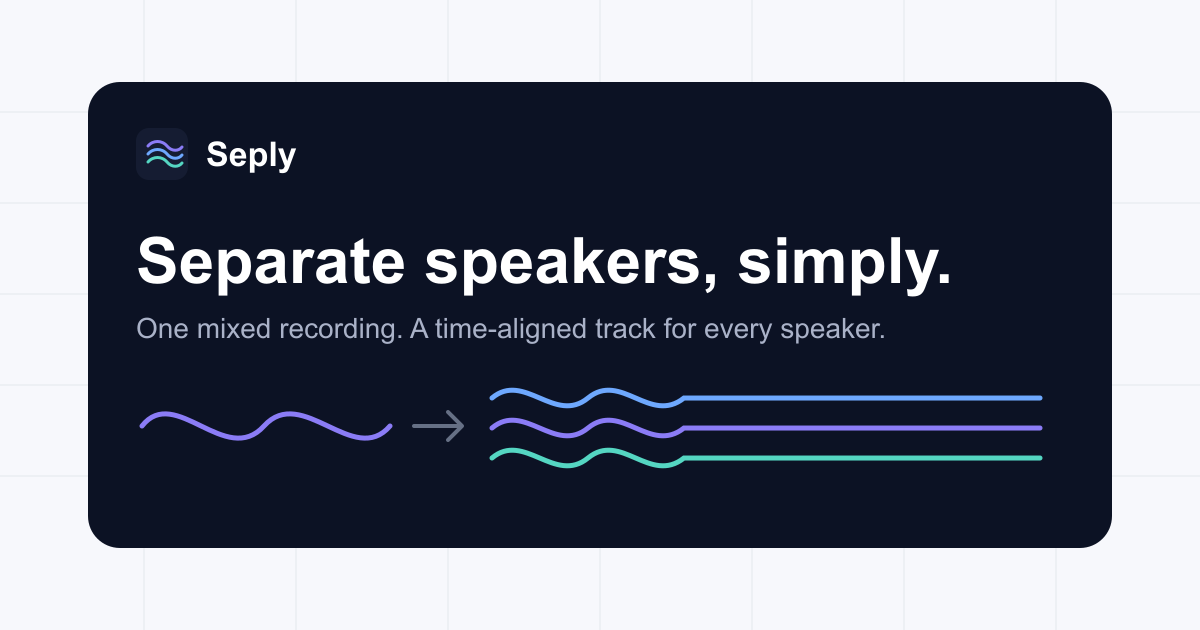
AI Speaker Separation uses artificial intelligence to split mixed audio recordings—such as podcasts, interviews, and meetings—into individual, editable tracks for each detected speaker. Users can upload audio (WAV, MP3, M4A, AAC, FLAC) or video (MP4, MOV) up to 1 GB to begin separation. The tool generates separate, time-aligned WAV files, allowing you to work with each voice independently. This process moves beyond simple diarization labels by creating actual, editable tracks, giving users more control over challenging content like overlapping speech. It is designed for content creators and editors who need to refine multi-speaker recordings, enabling them to preview, download, and maintain sync across isolated voice tracks without manual cutting.
Ver AI Speaker Separation →
$THINK — AI You Own.
ThinkOS provides a system of personal AI teammates designed to learn and grow with your work, handling complex tasks across various professional domains. It connects to existing tools like Gmail, Calendar, Drive, Slack, and Linear, allowing agents to triage inboxes, draft follow-ups, track expenses, and keep running itineraries. The platform is built around the concept of agent ownership, giving users control over their data and intellectual process. Learned information is saved to "Work Memory" as plain files on your computer, ensuring you retain ownership and avoid vendor lock-in. This makes it ideal for professionals who rely on multiple digital tools and require a highly customizable assistant that adapts to their unique workflows, ensuring that your intelligence stays yours.
Ver $THINK — AI You Own. →Comparación de funciones
AI Speaker Separation
- •Separates mixed audio by individual speaker
- •Generates time-aligned WAV tracks
- •Supports automatic or manual speaker detection
- •Handles overlapping voices for complex audio
- •Accepts WAV, MP3, M4A, AAC, FLAC audio uploads
$THINK — AI You Own.
- •Integrates with Gmail, Calendar, Slack, and linear
- •Work Memory stores data as plain files
- •Customizable Spheres for specific tasks
- •Runs on Mac, Windows, and Linux
- •Supports dedicated agent avatars
De un vistazo
| AI Speaker Separation | $THINK — AI You Own. | |
|---|---|---|
| Categoría | Productivity | Productivity |
| Precios | Freemium | — |
| Valoración de la Comunidad | Sin reseñas | Sin reseñas |
| Votos en Stremit | 0 | 60 |
| Sitio web | seply.org ↗ | thinkagents.ai ↗ |
AI Speaker Separation vs $THINK — AI You Own.: ¿cuál es mejor?
Elegir entre AI Speaker Separation y $THINK — AI You Own. depende de tus necesidades concretas. Las dos herramientas pertenecen a la categoría Productivity , así que son competidoras directas. Compara arriba sus precios, funciones y reseñas para tomar la mejor decisión para tu flujo de trabajo.
Visita la página de cada herramienta para ver información más detallada, reseñas de la comunidad y el desglose de funciones.
Preguntas frecuentes
What is the difference between AI Speaker Separation and $THINK — AI You Own.?
AI Speaker Separation: AI Speaker Separation uses artificial intelligence to split mixed audio recordings—such as podcasts, interviews, and meetings—into individual, editable tracks for each detected speaker. Users can upload audio (WAV, MP3,… $THINK — AI You Own.: ThinkOS provides a system of personal AI teammates designed to learn and grow with your work, handling complex tasks across various professional domains. It connects to existing tools like Gmail, Calendar, Drive, Slack,…
Is AI Speaker Separation free?
AI Speaker Separation is listed as Freemium on Stremit. Check the tool's site for current plans.
Are AI Speaker Separation and $THINK — AI You Own. competitors?
Yes — both are Productivity tools on Stremit, so people often compare them before choosing.