Burnstate vs Cursor: The best way to code with AI
Una comparación detallada para ayudarte a elegir la herramienta de IA adecuada para tu flujo de trabajo.
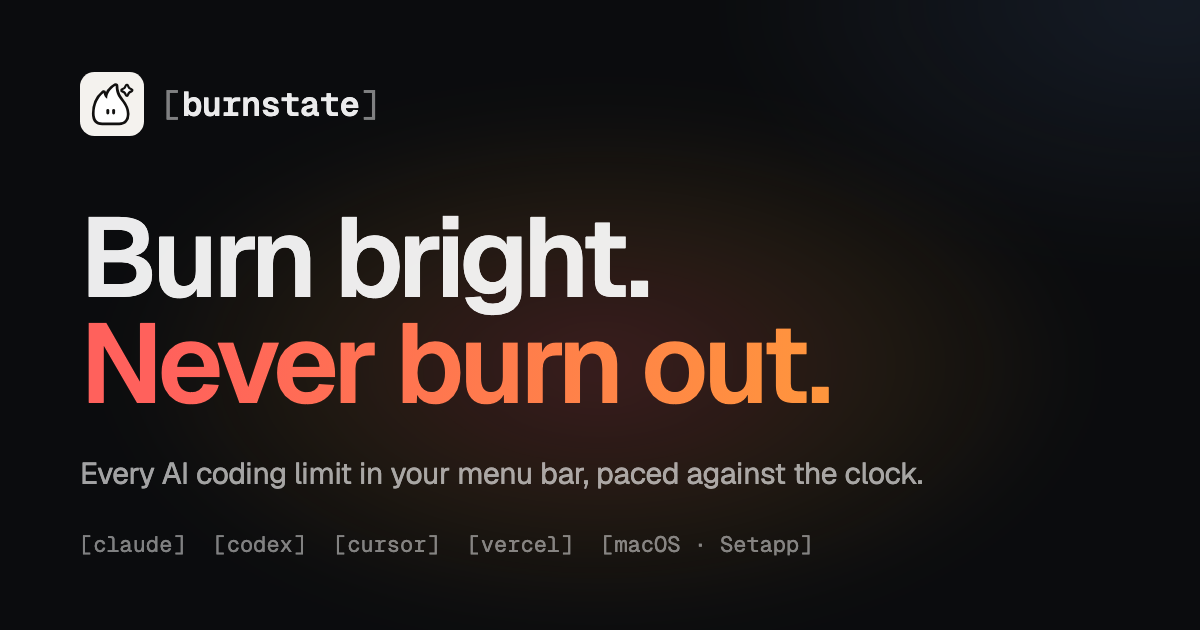
Burnstate
Burnstate is a native Mac menu bar application built for developers who rely on various AI coding agents. It serves as a resource manager, tracking usage limits and consumption for providers like Claude Code, Codex, Cursor, and Vercel AI Gateway. It measures token usage against time to forecast precisely when usage limits will be exhausted at the current rate. It is ideal for developers who need precise oversight of their AI coding workflows and resource spending. The tool provides detailed session lists showing tokens, estimated costs, and model usage, helping users maintain control over their development costs and pace. What sets Burnstate apart is its focus on both productivity and privacy. Features include proactive notice cards when an agent needs input or nears a limit, and enforced cooldown reminders to ensure breaks. Critically, it computes all data from local logs, requiring no account, analytics, or telemetry.
Ver Burnstate →
Cursor: The best way to code with AI
Cursor is an advanced AI coding agent designed to assist developers in building ambitious software. It moves beyond simple autocomplete, acting as a comprehensive agent that turns conceptual ideas into functional code by handing off complex tasks. The platform excels at accelerating development by allowing agents to work autonomously. Users can leverage these agents to build, test, and demo features end-to-end, streamlining workflows from initial concept to final, reviewable product. It integrates deep into various development environments, including IDEs, the CLI, and team collaboration tools like Slack and GitHub. It is ideal for teams and individual researchers who build world-class software and require significant development velocity. By delegating complex coding and research tasks, developers can focus their efforts on high-level architectural decisions and innovation.
Ver Cursor: The best way to code with AI →Comparación de funciones
Burnstate
- •Tracks usage limits for AI coding agents
- •Visualizes token consumption and cost estimates
- •Provides notice cards for limit warnings
- •Manages and tracks individual agent sessions
- •Includes mandatory cooldown and break reminders
- •Operates using local logs without needing an account
Cursor: The best way to code with AI
- •AI Coding Agent with autonomous task completion
- •Multi-agent collaboration and parallel processing
- •Context-aware completions and intelligent code navigation
- •IDE assistance and CLI integration
- •Multiplayer mode for shared development
De un vistazo
| Burnstate | Cursor: The best way to code with AI | |
|---|---|---|
| Categoría | Code & Development | Code & Development |
| Precios | Paid | Paid |
| Valoración de la Comunidad | Sin reseñas | Sin reseñas |
| Votos en Stremit | 0 | 68 |
| Sitio web | burnstate.dev ↗ | cursor.com ↗ |
Burnstate vs Cursor: The best way to code with AI: ¿cuál es mejor?
Elegir entre Burnstate y Cursor: The best way to code with AI depende de tus necesidades concretas. Las dos herramientas pertenecen a la categoría Code & Development , así que son competidoras directas. Compara arriba sus precios, funciones y reseñas para tomar la mejor decisión para tu flujo de trabajo.
Visita la página de cada herramienta para ver información más detallada, reseñas de la comunidad y el desglose de funciones.
Preguntas frecuentes
What is the difference between Burnstate and Cursor: The best way to code with AI?
Burnstate: Burnstate is a native Mac menu bar application built for developers who rely on various AI coding agents. It serves as a resource manager, tracking usage limits and consumption for providers like Claude Code, Codex,… Cursor: The best way to code with AI: Cursor is an advanced AI coding agent designed to assist developers in building ambitious software. It moves beyond simple autocomplete, acting as a comprehensive agent that turns conceptual ideas into functional code…
Is Burnstate free?
Burnstate is listed as Paid on Stremit. Check the tool's site for current plans.
Is Cursor: The best way to code with AI free?
Cursor: The best way to code with AI is listed as Paid on Stremit. Check the tool's site for current plans.
Are Burnstate and Cursor: The best way to code with AI competitors?
Yes — both are Code & Development tools on Stremit, so people often compare them before choosing.