Inkown vs AI Color Analysis
Una comparación detallada para ayudarte a elegir la herramienta de IA adecuada para tu flujo de trabajo.
Inkown
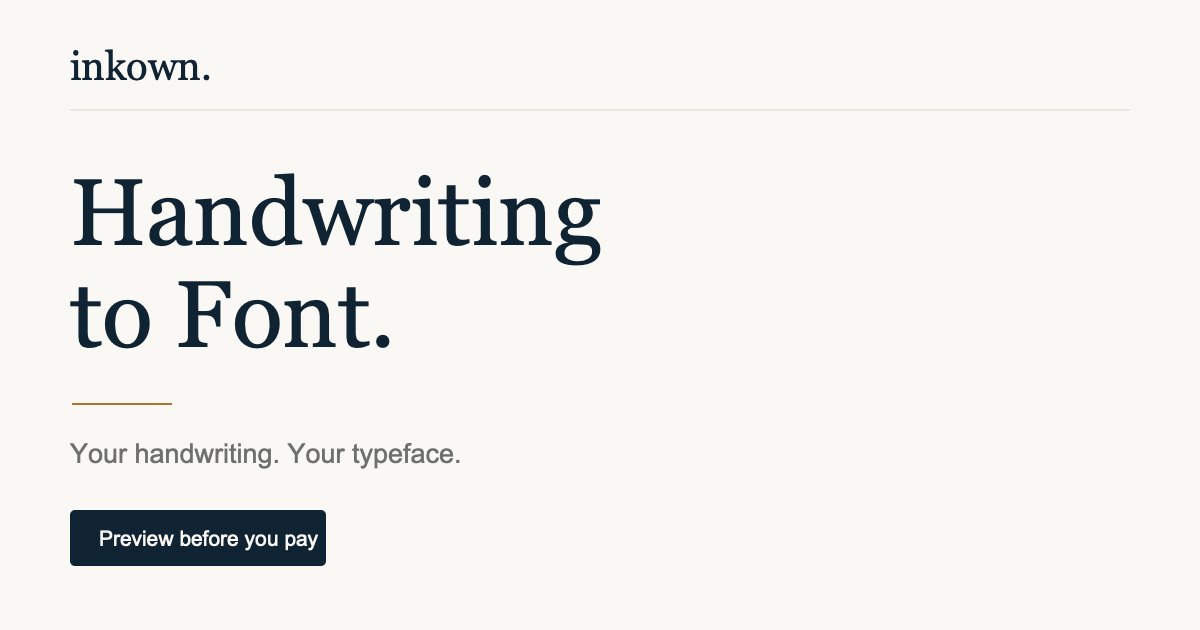
Inkown turns a photo of your handwriting into an installable TTF font. You upload a JPG, PNG or WebP up to 10 MB, and AI generates a 76-character font, filling in any missing characters to match your style. You can preview the font and try your own text before you pay. It is made for people who want a personal typeface for cards, family albums, recipe books or everyday documents. The font works in Word, Figma, Canva and other apps that support custom fonts, on Windows or Mac. Inkown charges once: $7.99 per font, with no printer, template or subscription needed. Each account gets two free generations. Letters are standalone, without cursive joins or alternate letterforms, and only basic Latin characters are included.
Ver Inkown →
AI Color Analysis
AI Color Analysis takes a photo you upload and identifies your personal color palette. The system evaluates skin tone, hair color, and facial contrast to determine your undertone and color season, then returns suited colors, colors to avoid, and a short report explaining why your features respond to certain shades. The tool is aimed at people who want to choose makeup, hair color, and outfits without guesswork. It includes virtual try-ons that show lipstick, blush, eyeshadow, hair shades, and clothing colors on your own photo. The site says results take under five minutes. The site contrasts its approach with in-person color consultations, which it says cost $300 to $600 and take two to three hours. It describes its analysis as objective AI color science rather than human opinion, and says the service is available 24/7.
Ver AI Color Analysis →Comparación de funciones
Inkown
Aún no hay funciones.
AI Color Analysis
- •Undertone and color season detection from a uploaded photo
- •Personalized palette of suited colors and colors to avoid
- •Written report explaining how colors relate to your features
- •Virtual makeup try-on for lips, cheeks, and eyeshadow
- •Hair color preview on your own photo
- •Outfit color styling on clothing silhouettes
De un vistazo
| Inkown | AI Color Analysis | |
|---|---|---|
| Categoría | Design & UI | Design & UI |
| Precios | Paid | Free |
| Valoración de la Comunidad | Sin reseñas | Sin reseñas |
| Votos en Stremit | 0 | 87 |
| Sitio web | inkown.com ↗ | aicoloranalysis.ai ↗ |
Inkown vs AI Color Analysis: ¿cuál es mejor?
Elegir entre Inkown y AI Color Analysis depende de tus necesidades concretas. Las dos herramientas pertenecen a la categoría Design & UI , así que son competidoras directas. Compara arriba sus precios, funciones y reseñas para tomar la mejor decisión para tu flujo de trabajo.
Visita la página de cada herramienta para ver información más detallada, reseñas de la comunidad y el desglose de funciones.
Preguntas frecuentes
What is the difference between Inkown and AI Color Analysis?
Inkown: Inkown turns a photo of your handwriting into an installable TTF font. You upload a JPG, PNG or WebP up to 10 MB, and AI generates a 76-character font, filling in any missing characters to match your style. You can… AI Color Analysis: AI Color Analysis takes a photo you upload and identifies your personal color palette. The system evaluates skin tone, hair color, and facial contrast to determine your undertone and color season, then returns suited…
Is Inkown free?
Inkown is listed as Paid on Stremit. Check the tool's site for current plans.
Is AI Color Analysis free?
AI Color Analysis is listed as Free on Stremit. Check the tool's site for current plans.
Are Inkown and AI Color Analysis competitors?
Yes — both are Design & UI tools on Stremit, so people often compare them before choosing.