MixMemo vs PDF Merge Free
Una comparación detallada para ayudarte a elegir la herramienta de IA adecuada para tu flujo de trabajo.
MixMemo
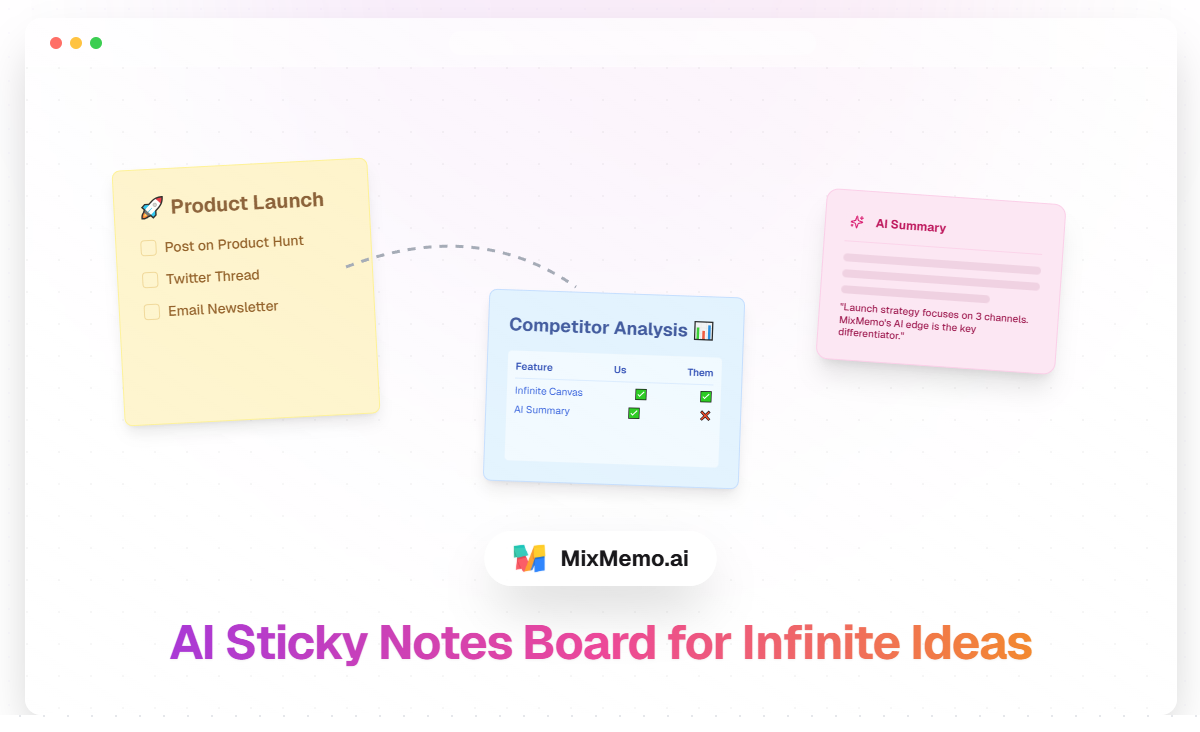
MixMemo is an infinite canvas for online sticky notes. Users click anywhere to create a note, add rich text, files, and images, and drag notes into clusters, timelines, study maps, or project boards. Notes can be exported as PNG or PDF, shared through read-only public links, and backed up with export/import. Optional AI helpers can summarize, rewrite, translate, extract action items, and turn notes into mind maps, flowcharts, timelines, or Gantt charts. It is built for students planning study material and exam prep, and for professionals who plan projects, organize research, or map workflows. Basic note taking requires no login. MixMemo stores basic notes in the browser using IndexedDB. Content is sent to the cloud only when the user chooses an action such as AI processing, public sharing, or generated asset storage. A Chrome extension brings the same sticky note experience to web browsing.
Ver MixMemo →
PDF Merge Free
PDF Merge Free is a free online PDF merger that combines PDF files directly in the browser. Users add up to 20 PDFs, each up to 100 MB and 300 pages, drag them into the order they want, and download one merged file. The merge runs locally, so documents are not uploaded to a server. The tool is aimed at people who handle contracts, invoices, reports, forms, scanned paperwork, and study materials. No account or sign-up is required to use it. What sets it apart is private, browser-based processing and clean output with no watermark. The workspace also checks files for size, page limits, and invalid or encrypted PDFs before merging. Encrypted PDFs are detected and skipped.
Ver PDF Merge Free →Comparación de funciones
MixMemo
- •Infinite canvas with drag-to-cluster sticky notes
- •Rich text notes with images, files, and tables
- •Optional AI summaries, rewrites, and translation
- •Diagrams including mind maps, flowcharts, and Gantt charts
- •Local-first storage in browser IndexedDB
- •PNG and PDF export, read-only share links, and export/import backups
PDF Merge Free
- •Browser-based merge with no file upload
- •Drag to reorder PDFs before merging
- •No sign up or account required
- •Merged PDF has no watermark
- •Checks file size, page limits, and encrypted PDFs
- •Up to 20 PDFs, 100 MB and 300 pages each
De un vistazo
| MixMemo | PDF Merge Free | |
|---|---|---|
| Categoría | Productivity | Productivity |
| Precios | Free | Free |
| Valoración de la Comunidad | Sin reseñas | Sin reseñas |
| Votos en Stremit | 47 | 80 |
| Sitio web | mixmemo.ai ↗ | pdfmergefree.com ↗ |
MixMemo vs PDF Merge Free: ¿cuál es mejor?
Elegir entre MixMemo y PDF Merge Free depende de tus necesidades concretas. Las dos herramientas pertenecen a la categoría Productivity , así que son competidoras directas. Compara arriba sus precios, funciones y reseñas para tomar la mejor decisión para tu flujo de trabajo.
Visita la página de cada herramienta para ver información más detallada, reseñas de la comunidad y el desglose de funciones.
Preguntas frecuentes
What is the difference between MixMemo and PDF Merge Free?
MixMemo: MixMemo is an infinite canvas for online sticky notes. Users click anywhere to create a note, add rich text, files, and images, and drag notes into clusters, timelines, study maps, or project boards. Notes can be… PDF Merge Free: PDF Merge Free is a free online PDF merger that combines PDF files directly in the browser. Users add up to 20 PDFs, each up to 100 MB and 300 pages, drag them into the order they want, and download one merged file. The…
Is MixMemo free?
MixMemo is listed as Free on Stremit. Check the tool's site for current plans.
Is PDF Merge Free free?
PDF Merge Free is listed as Free on Stremit. Check the tool's site for current plans.
Are MixMemo and PDF Merge Free competitors?
Yes — both are Productivity tools on Stremit, so people often compare them before choosing.