Burnstate vs VibeDash.app
Une comparaison détaillée pour vous aider à choisir le bon outil IA pour votre workflow.
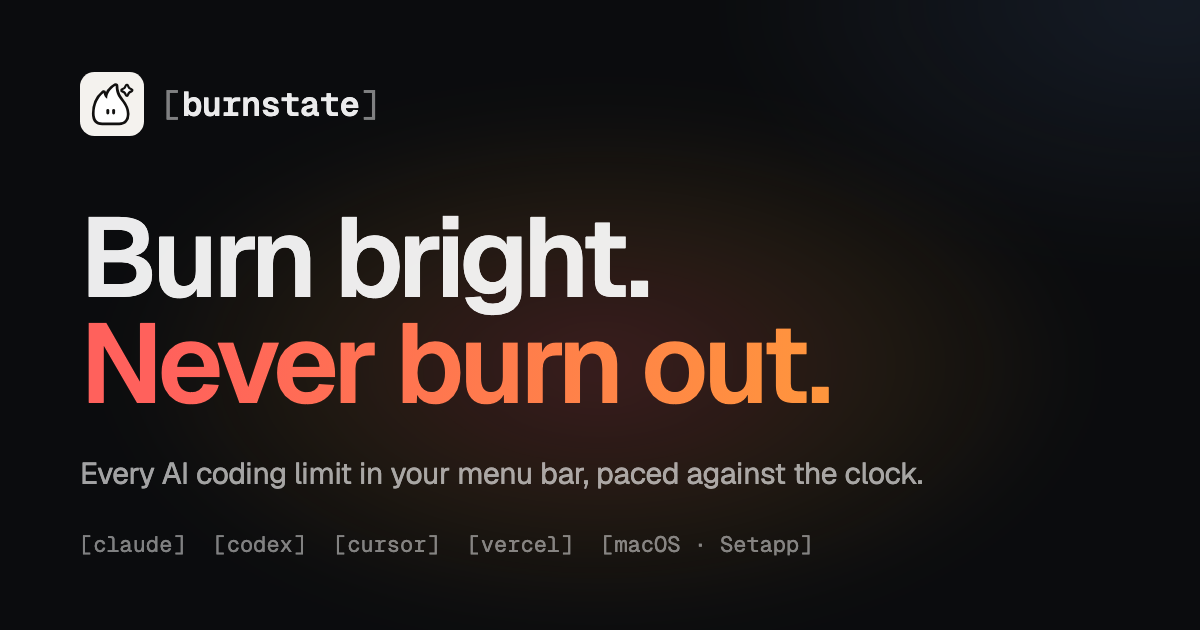
Burnstate
Burnstate is a native Mac menu bar application built for developers who rely on various AI coding agents. It serves as a resource manager, tracking usage limits and consumption for providers like Claude Code, Codex, Cursor, and Vercel AI Gateway. It measures token usage against time to forecast precisely when usage limits will be exhausted at the current rate. It is ideal for developers who need precise oversight of their AI coding workflows and resource spending. The tool provides detailed session lists showing tokens, estimated costs, and model usage, helping users maintain control over their development costs and pace. What sets Burnstate apart is its focus on both productivity and privacy. Features include proactive notice cards when an agent needs input or nears a limit, and enforced cooldown reminders to ensure breaks. Critically, it computes all data from local logs, requiring no account, analytics, or telemetry.
Voir Burnstate →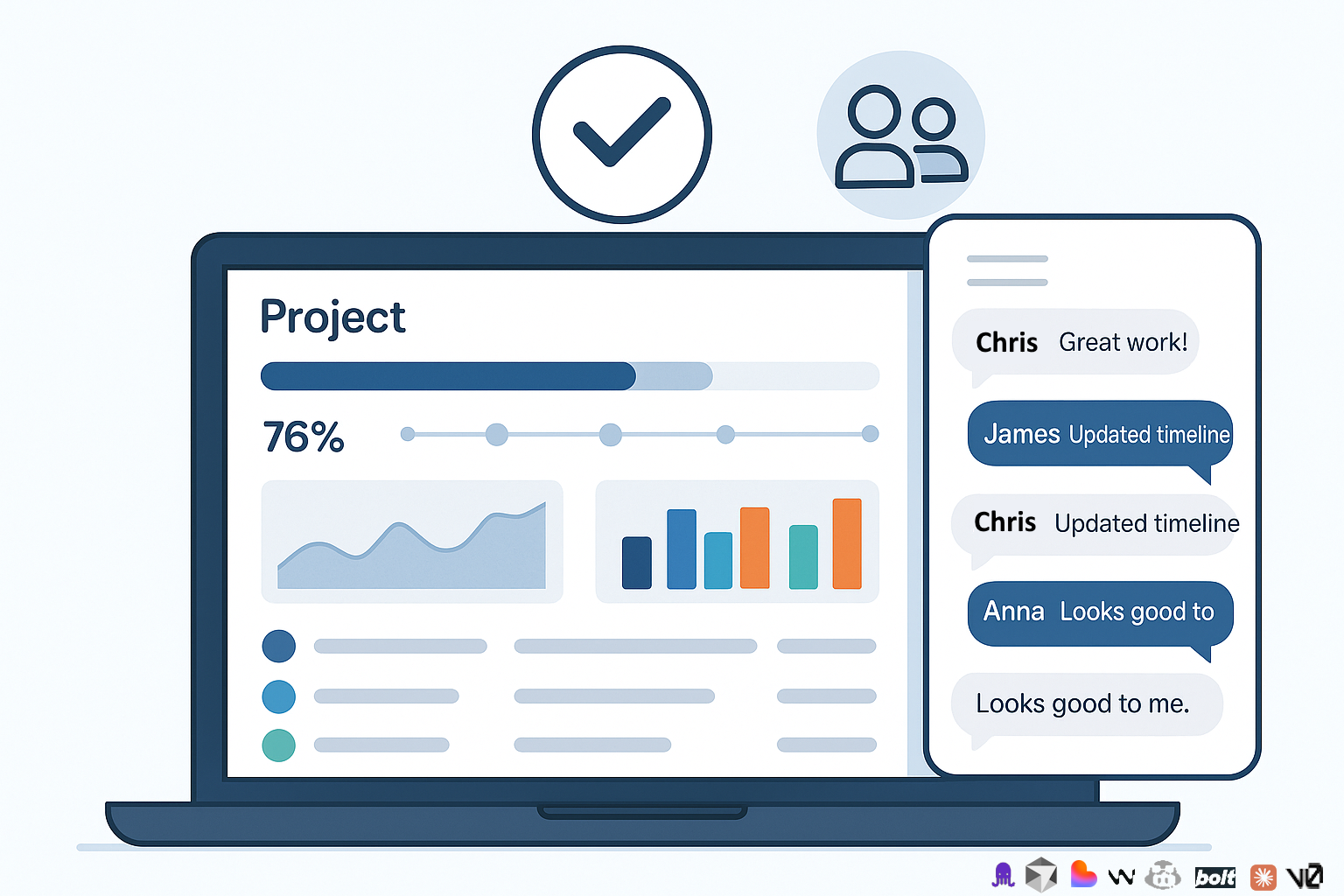
VibeDash.app
VibeDash is a home for AI-built software. It lets teams plan, ship, charge for, and verify software that AI agents build. Builders connect Claude Code, Cursor, OpenClaw, or Hermes to the platform using Skill.md and MCP. The tool is aimed at vibe coders and builders who work with AI agents and need to show clients what was built. It runs QA and security loops on that work, so builders can check results before handing them over. According to the site, the main difference is that VibeDash gives clients proof of agent work instead of promises. Its stated purpose is to prove that agents did the work they were given, with verification covering the full path from planning to billing.
Voir VibeDash.app →Comparaison des fonctionnalités
Burnstate
- •Tracks usage limits for AI coding agents
- •Visualizes token consumption and cost estimates
- •Provides notice cards for limit warnings
- •Manages and tracks individual agent sessions
- •Includes mandatory cooldown and break reminders
- •Operates using local logs without needing an account
VibeDash.app
- •Plan, ship, charge, and verify AI-built software
- •Connects Claude Code, Cursor, OpenClaw, and Hermes
- •Skill.md and MCP integration
- •QA and security loops
- •Shareable proof of agent work for clients
En bref
| Burnstate | VibeDash.app | |
|---|---|---|
| Catégorie | Code & Development | Code & Development |
| Prix | Paid | Free |
| Note de la communauté | Aucun avis | Aucun avis |
| Votes positifs sur Stremit | 0 | 58 |
| Site web | burnstate.dev ↗ | vibedash.app ↗ |
Burnstate vs VibeDash.app : lequel est le meilleur ?
Choisir entre Burnstate et VibeDash.app dépend de vos besoins précis. Les deux outils appartiennent à la catégorie Code & Development , ce qui en fait des concurrents directs. Comparez leurs prix, fonctionnalités et avis ci-dessus pour faire le meilleur choix pour votre workflow.
Consultez la page de chaque outil pour des informations plus détaillées, les avis de la communauté et le détail des fonctionnalités.
Questions fréquentes
What is the difference between Burnstate and VibeDash.app?
Burnstate: Burnstate is a native Mac menu bar application built for developers who rely on various AI coding agents. It serves as a resource manager, tracking usage limits and consumption for providers like Claude Code, Codex,… VibeDash.app: VibeDash is a home for AI-built software. It lets teams plan, ship, charge for, and verify software that AI agents build. Builders connect Claude Code, Cursor, OpenClaw, or Hermes to the platform using Skill.md and MCP.…
Is Burnstate free?
Burnstate is listed as Paid on Stremit. Check the tool's site for current plans.
Is VibeDash.app free?
VibeDash.app is listed as Free on Stremit. Check the tool's site for current plans.
Are Burnstate and VibeDash.app competitors?
Yes — both are Code & Development tools on Stremit, so people often compare them before choosing.