MixMemo vs GetYouTubeTranscript
ワークフローに最適なAIツールを選ぶための詳しい比較。
MixMemo
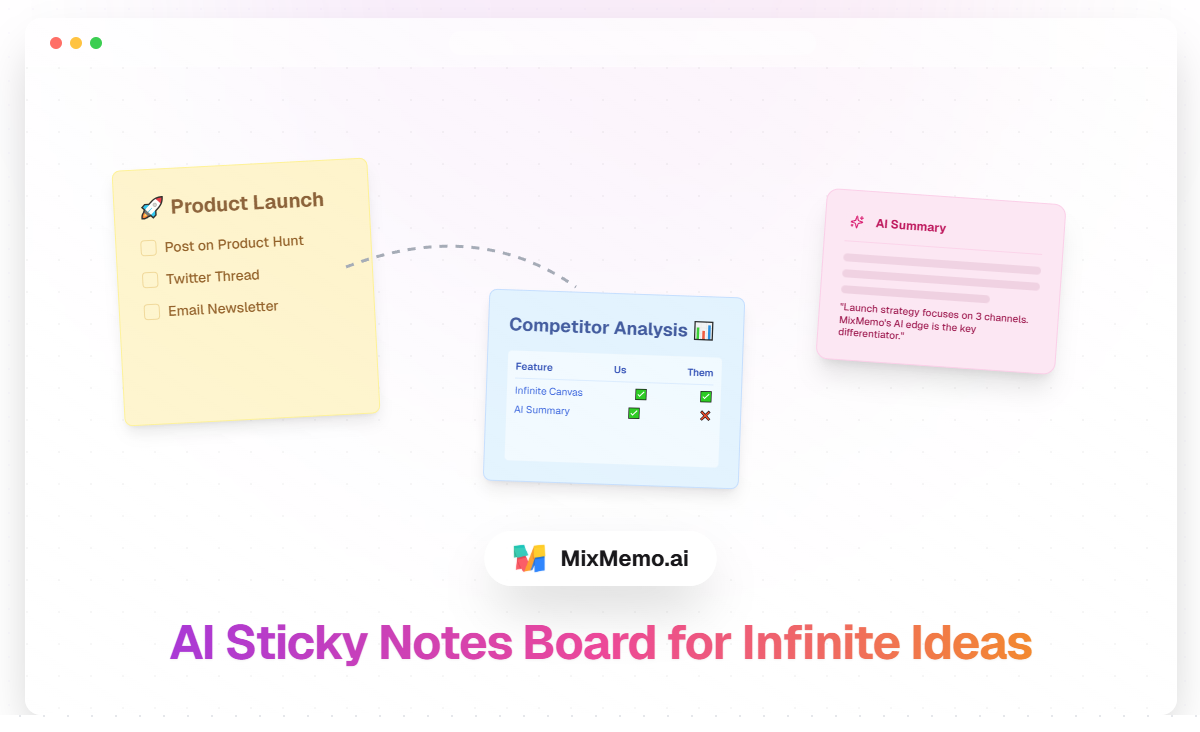
MixMemo is an infinite canvas for online sticky notes. Users click anywhere to create a note, add rich text, files, and images, and drag notes into clusters, timelines, study maps, or project boards. Notes can be exported as PNG or PDF, shared through read-only public links, and backed up with export/import. Optional AI helpers can summarize, rewrite, translate, extract action items, and turn notes into mind maps, flowcharts, timelines, or Gantt charts. It is built for students planning study material and exam prep, and for professionals who plan projects, organize research, or map workflows. Basic note taking requires no login. MixMemo stores basic notes in the browser using IndexedDB. Content is sent to the cloud only when the user chooses an action such as AI processing, public sharing, or generated asset storage. A Chrome extension brings the same sticky note experience to web browsing.
MixMemoを見る →
GetYouTubeTranscript
GetYouTubeTranscript takes a YouTube link and returns the video's transcript in about a second. It reads the captions the video already has, so you can copy the text without an account. A free account adds TXT, SRT and VTT downloads, and the site also offers translation and AI summaries. It works with watch links, youtu.be links, Shorts, live replays and bare 11-character video IDs. It is built for students, researchers, content creators, podcasters and marketers who need video-to-text conversion. Users turn lectures and interviews into study notes, repurpose videos into blog posts or show notes, and analyze competitor videos or customer interviews. Transcripts are free, while AI chat, summaries and similar tools use credits. The tool reads existing caption tracks instead of processing audio, so a two-hour lecture takes about as long as a short clip. It also runs as a Chrome extension, and a REST API and MCP server share the same credit balance. A video with no captions has no transcript to return.
GetYouTubeTranscriptを見る →機能の比較
MixMemo
- •Infinite canvas with drag-to-cluster sticky notes
- •Rich text notes with images, files, and tables
- •Optional AI summaries, rewrites, and translation
- •Diagrams including mind maps, flowcharts, and Gantt charts
- •Local-first storage in browser IndexedDB
- •PNG and PDF export, read-only share links, and export/import backups
GetYouTubeTranscript
まだ機能は掲載されていません。
ひと目で比較
| MixMemo | GetYouTubeTranscript | |
|---|---|---|
| カテゴリ | Productivity | Productivity |
| 料金 | Free | Freemium |
| コミュニティの評価 | レビューなし | レビューなし |
| Stremitでの投票数 | 47 | 0 |
| Webサイト | mixmemo.ai ↗ | getyoutubetranscript.com ↗ |
MixMemo vs GetYouTubeTranscript:どちらが優れている?
MixMemoとGetYouTubeTranscriptのどちらを選ぶかは、あなたのニーズ次第です。 どちらのツールも Productivity カテゴリに属する直接の競合です。上で料金、機能、ユーザーレビューを比較して、ワークフローに最適なものを選びましょう。
詳しい情報、コミュニティのレビュー、機能の内訳は、各ツールのページをご覧ください。
よくある質問
What is the difference between MixMemo and GetYouTubeTranscript?
MixMemo: MixMemo is an infinite canvas for online sticky notes. Users click anywhere to create a note, add rich text, files, and images, and drag notes into clusters, timelines, study maps, or project boards. Notes can be… GetYouTubeTranscript: GetYouTubeTranscript takes a YouTube link and returns the video's transcript in about a second. It reads the captions the video already has, so you can copy the text without an account. A free account adds TXT, SRT and…
Is MixMemo free?
MixMemo is listed as Free on Stremit. Check the tool's site for current plans.
Is GetYouTubeTranscript free?
GetYouTubeTranscript is listed as Freemium on Stremit. Check the tool's site for current plans.
Are MixMemo and GetYouTubeTranscript competitors?
Yes — both are Productivity tools on Stremit, so people often compare them before choosing.