Raccoon AI: Collaborative AI for Anything vs Opal
ワークフローに最適なAIツールを選ぶための詳しい比較。
Raccoon AI: Collaborative AI for Anything
Raccoon AI is a collaborative AI agent that builds apps, documents, presentations, dashboards, and designs from a plain-language description. It runs on its own cloud computer, lays the work out as a live checklist, and shows each reasoning step, search, and action as it happens. Users can steer the agent mid-task, rewind to earlier steps, or fork a new path. It is aimed at people who want finished work from a single description, such as a launch page, a dashboard built from a spreadsheet, or a research brief with sources. Users can connect Gmail, Drive, Calendar, GitHub, and 50+ connectors, so the agent works inside their own accounts. What sets it apart is persistence and control. Files, data, and running servers stay in place between sessions, and the agent remembers users from one session to the next. Finished work can be published to a live link or deployed to your own domain in one click.
Raccoon AI: Collaborative AI for Anythingを見る →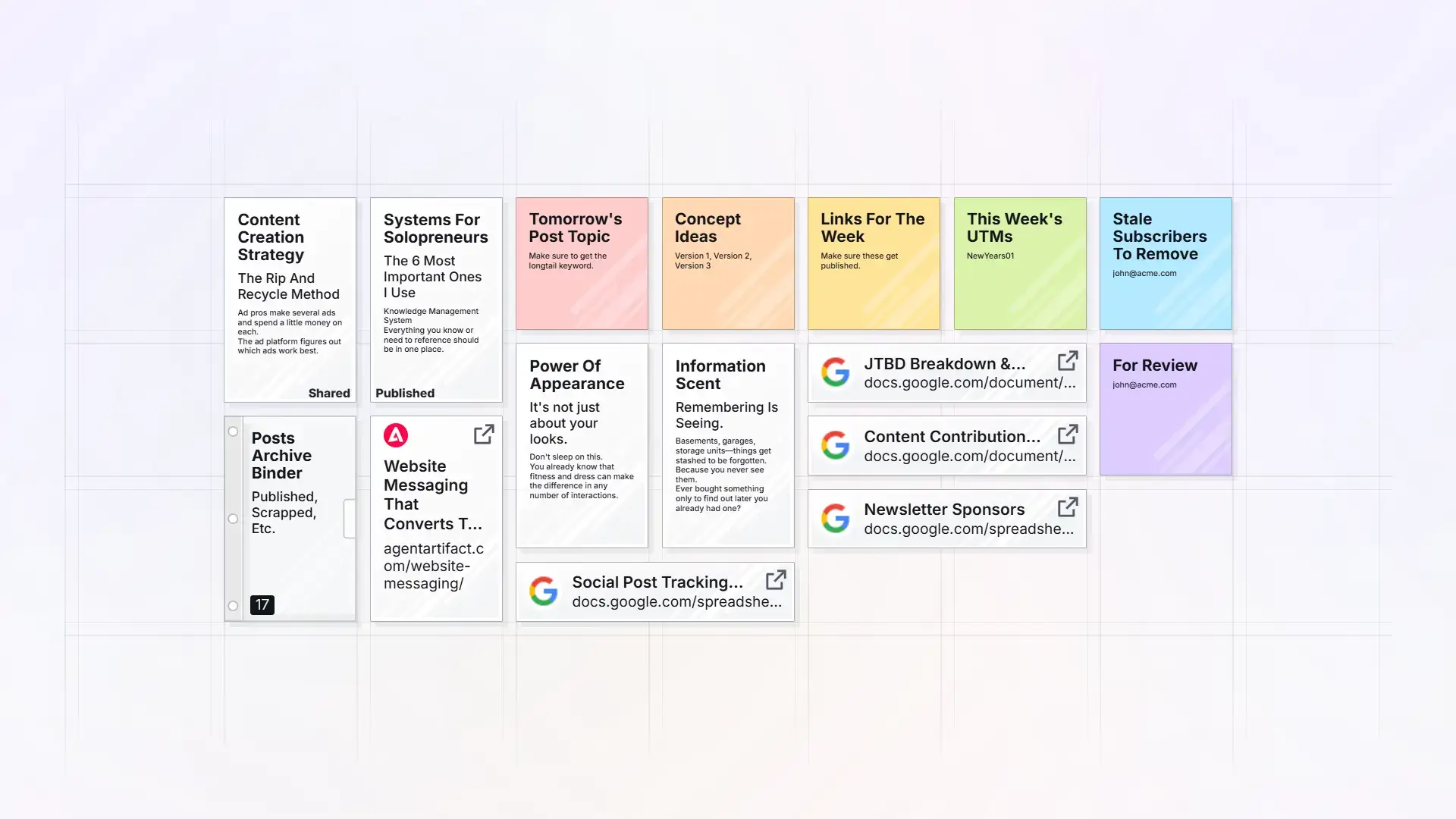
Opal
Opal Recall is a spatial note taking app. Users create or drag notes, docs, links, binders, files, and Google Docs and Sheets onto large, pannable digital desks. Items are placed on a visual grid, so users can find them by where they were put rather than by typing into a search box. It is built for freelancers, solopreneurs, and small teams who want to see all of a project's material at once. The site describes its setup as simple, with no onboarding wizard and no folder to choose when adding an item. The main difference from folder- and page-based tools is that the desk is the organizing structure. Users can open several items side by side in one tab, and each workspace gets its own URL. Access is currently by invitation in batches, and users register to reserve a spot.
Opalを見る →機能の比較
Raccoon AI: Collaborative AI for Anything
- •Build apps, slides, dashboards, and designs from plain-language descriptions
- •Live checklist plan you can view and steer during a task
- •Connects Gmail, Drive, Calendar, GitHub, and 50+ connectors
- •Research with citations and helper agents for parallel work
- •Rewind to any step or fork a new path
- •Publish to a live link or your own domain in one click
Opal
- •Large, pannable digital desk for placing items on a grid
- •Drag-and-drop notes, docs, links, binders, and files
- •Google Docs and Google Sheets support
- •Open multiple items side by side in one tab
- •Find items by location without typing a search
- •Unique workspace URL for each user
ひと目で比較
| Raccoon AI: Collaborative AI for Anything | Opal | |
|---|---|---|
| カテゴリ | Productivity | Productivity |
| 料金 | — | — |
| コミュニティの評価 | レビューなし | レビューなし |
| Stremitでの投票数 | 70 | 47 |
| Webサイト | raccoonai.tech ↗ | opalrecall.com ↗ |
Raccoon AI: Collaborative AI for Anything vs Opal:どちらが優れている?
Raccoon AI: Collaborative AI for AnythingとOpalのどちらを選ぶかは、あなたのニーズ次第です。 どちらのツールも Productivity カテゴリに属する直接の競合です。上で料金、機能、ユーザーレビューを比較して、ワークフローに最適なものを選びましょう。
詳しい情報、コミュニティのレビュー、機能の内訳は、各ツールのページをご覧ください。
よくある質問
What is the difference between Raccoon AI: Collaborative AI for Anything and Opal?
Raccoon AI: Collaborative AI for Anything: Raccoon AI is a collaborative AI agent that builds apps, documents, presentations, dashboards, and designs from a plain-language description. It runs on its own cloud computer, lays the work out as a live checklist, and… Opal: Opal Recall is a spatial note taking app. Users create or drag notes, docs, links, binders, files, and Google Docs and Sheets onto large, pannable digital desks. Items are placed on a visual grid, so users can find them…
Are Raccoon AI: Collaborative AI for Anything and Opal competitors?
Yes — both are Productivity tools on Stremit, so people often compare them before choosing.