MixMemo vs Scriber GPT
Uma comparação detalhada para ajudar você a escolher a ferramenta de IA certa para seu workflow.
MixMemo
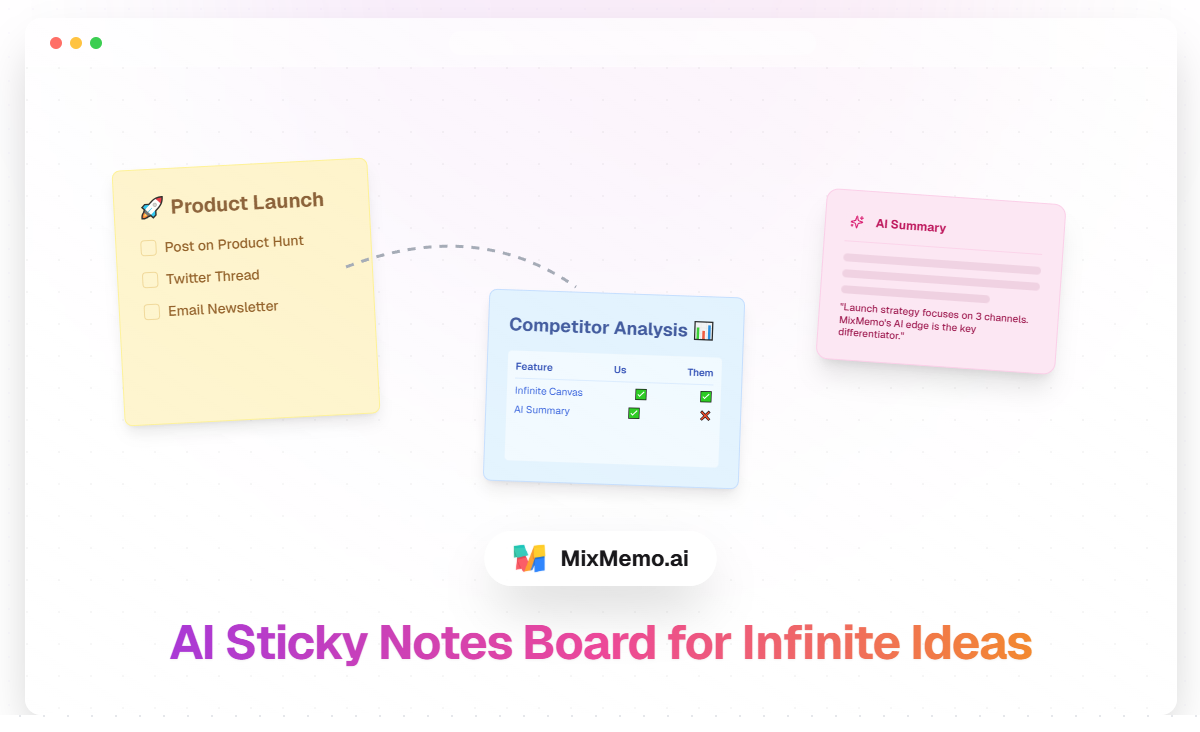
MixMemo is an infinite canvas for online sticky notes. Users click anywhere to create a note, add rich text, files, and images, and drag notes into clusters, timelines, study maps, or project boards. Notes can be exported as PNG or PDF, shared through read-only public links, and backed up with export/import. Optional AI helpers can summarize, rewrite, translate, extract action items, and turn notes into mind maps, flowcharts, timelines, or Gantt charts. It is built for students planning study material and exam prep, and for professionals who plan projects, organize research, or map workflows. Basic note taking requires no login. MixMemo stores basic notes in the browser using IndexedDB. Content is sent to the cloud only when the user chooses an action such as AI processing, public sharing, or generated asset storage. A Chrome extension brings the same sticky note experience to web browsing.
Ver MixMemo →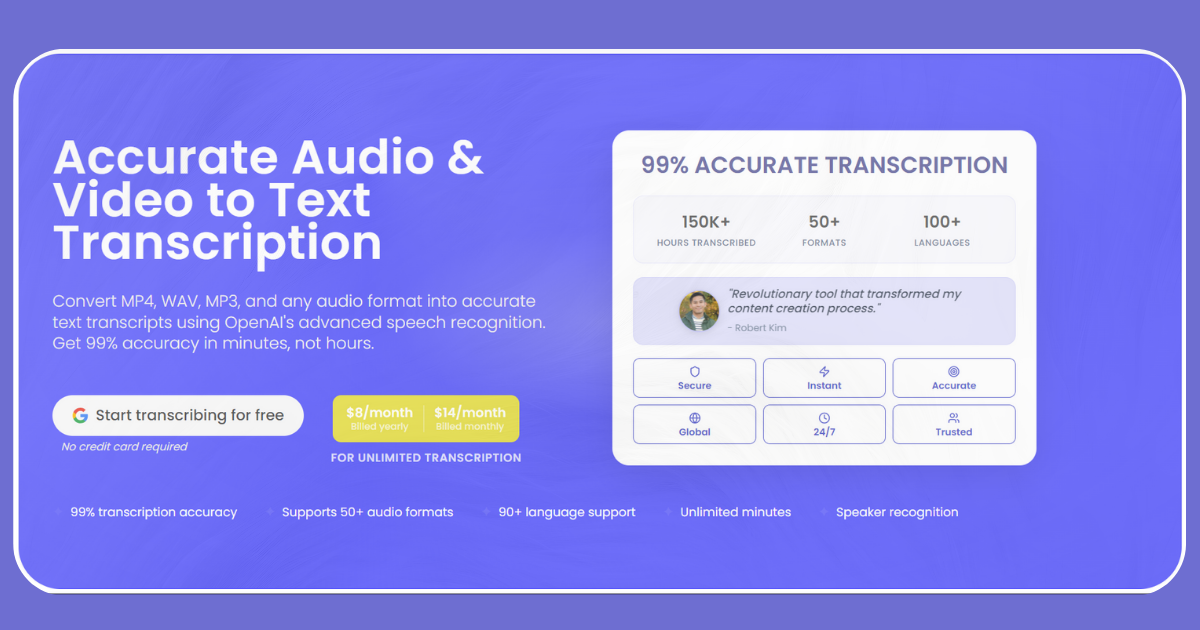
Scriber GPT
Scriber GPT is an audio and video transcription service. It converts files such as MP4, WAV, and MP3 into text transcripts with speaker labels and timestamps, using OpenAI Whisper models. Finished transcripts can be exported as PDF, DOCX, TXT, SRT, or VTT, and translated into other languages. The tool is aimed at podcasters, meeting and interview recorders, content creators, journalists, researchers, business teams, and legal and medical professionals. Users can also paste a YouTube URL to generate a transcript from that video's audio. Scriber GPT includes optional profanity and filler word filtering, and it offers free audio tools such as an audio splitter and audio compressor. The site lists a free tier with 5 minutes of transcription per day, and unlimited plans at $14 per month or $8 per month billed yearly.
Ver Scriber GPT →Comparação de recursos
MixMemo
- •Infinite canvas with drag-to-cluster sticky notes
- •Rich text notes with images, files, and tables
- •Optional AI summaries, rewrites, and translation
- •Diagrams including mind maps, flowcharts, and Gantt charts
- •Local-first storage in browser IndexedDB
- •PNG and PDF export, read-only share links, and export/import backups
Scriber GPT
- •Speaker labels and timestamps
- •Support for 50+ file formats and 90+ languages
- •Translation of finished transcripts
- •Export to PDF, DOCX, TXT, SRT, and VTT
- •Optional profanity and filler word filtering
- •Transcription from YouTube URLs
Visão geral
| MixMemo | Scriber GPT | |
|---|---|---|
| Categoria | Productivity | Productivity |
| Preços | Free | Freemium |
| Avaliação da Comunidade | Sem avaliações | Sem avaliações |
| Votos na Stremit | 47 | 51 |
| Site | mixmemo.ai ↗ | scribergpt.com ↗ |
MixMemo vs Scriber GPT: qual é melhor?
A escolha entre MixMemo e Scriber GPT depende das suas necessidades. As duas ferramentas pertencem à categoria Productivity e são concorrentes diretas. Compare preços, recursos e avaliações acima para fazer a melhor escolha para seu workflow.
Visite as páginas de cada ferramenta para mais informações, avaliações da comunidade e detalhes dos recursos.
Perguntas frequentes
What is the difference between MixMemo and Scriber GPT?
MixMemo: MixMemo is an infinite canvas for online sticky notes. Users click anywhere to create a note, add rich text, files, and images, and drag notes into clusters, timelines, study maps, or project boards. Notes can be… Scriber GPT: Scriber GPT is an audio and video transcription service. It converts files such as MP4, WAV, and MP3 into text transcripts with speaker labels and timestamps, using OpenAI Whisper models. Finished transcripts can be…
Is MixMemo free?
MixMemo is listed as Free on Stremit. Check the tool's site for current plans.
Is Scriber GPT free?
Scriber GPT is listed as Freemium on Stremit. Check the tool's site for current plans.
Are MixMemo and Scriber GPT competitors?
Yes — both are Productivity tools on Stremit, so people often compare them before choosing.